
-
Trade-in for AI Meetings
-
3rd-Gen MTR Solutions
-
Explore China Challenge
-
Collaboration Display
-
Android Meeting Solutions
-
Connect without Limits

INNOVATE COMMUNICATION
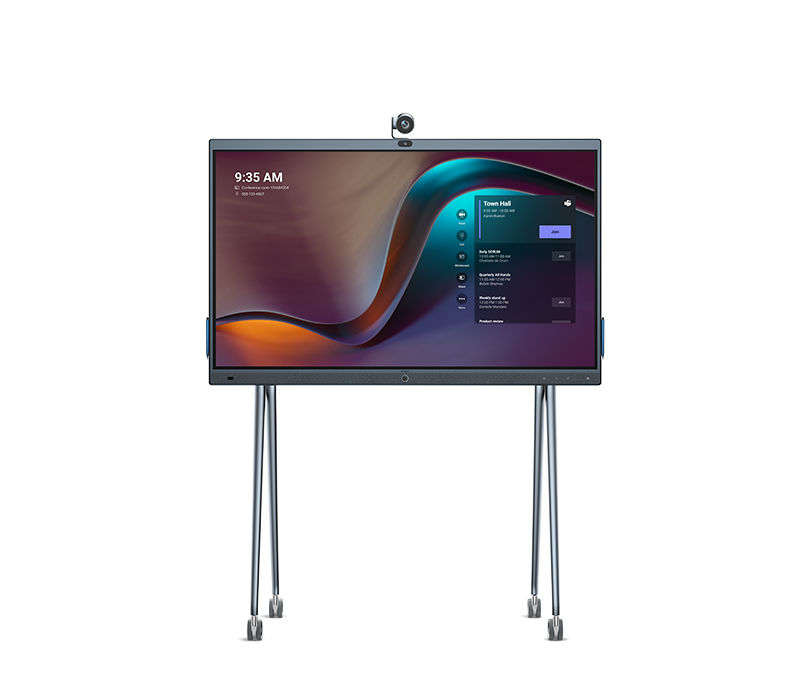
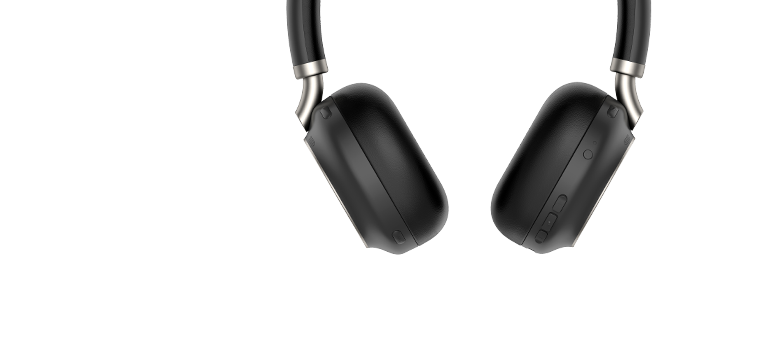
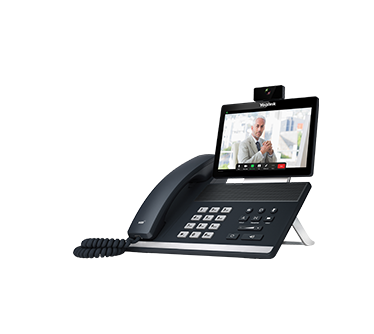
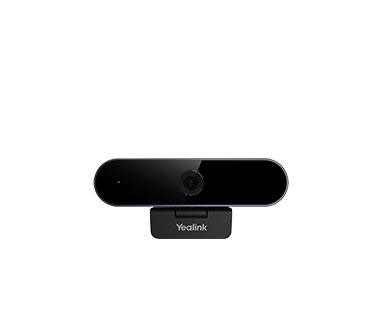

ART OF CONVERSATION
01
MICROSOFT SOLUTIONS
One-stop audio and video device solutions for Microsoft Teams, bring seamless Teams experience to every space.
EXPLORE >
02
ZOOM SOLUTIONS
Full range of audio and video device solutions for Zoom, delivering easy collaboration to the next level.
EXPLORE >
03
BY INDUSTRY
Full range of audio and video device solutions form Yealink keep your company productive, engage people get creative.
EXPLORE >
04
BY SCENARIO
From individual needs to team working, elevate workspace with powerful collaboration devices built for any scenarios.
EXPLORE >
WHY YEALINK
TOP 1
Market share by IP Phone Unit Shipment
TOP 5
Video conferencing solutions provider
1/500
One in every 500 people owns or is using a Yealink product
500,000
Yealink served more than 500,000 companies
Yealink (Stock Code: 300628) is a global-leading provider of Unified Communication & Collaboration Solutions specialized in video conferencing, voice communications, and collaboration, dedicated to helping every person and organization embrace the power of "Easy Collaboration, High Productivity".Yealink ranks No.1 in the global market share of IP Phone and is the Top 5 leader in the video conferencing market (Frost & Sullivan, 2021).
*Frost&Sullivan 2019 Global Open SIP Phone Leadership Award
*Frost&Sullivan 2020 Global Tabletop Audio Conferencing Endpoint
Award
*ITSPA Awards 2019 Best VoIP Device