How To Set Out Of Office Recording On Sip-T54w


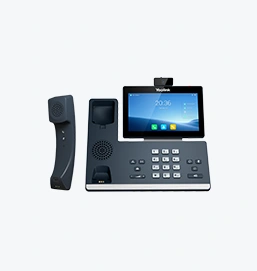
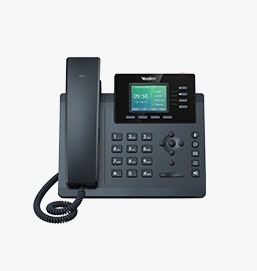
To set an out-of-office recording on the Yealink T5 Series SIP-T54W phone
you can follow these steps:
Access the Phone Menu:
Press the Menu button on your phone.
Navigate to Voicemail Settings:
Go to Messages or Voicemail (depending on your phone’s configuration).
Record Your Out-of-Office Message:
Select Record Greeting or Record Message.
Follow the prompts to record your out-of-office message.
Save the Recording:
Once you have recorded your message, save it as your voicemail greeting.
Activate the Out-of-Office Message:
Ensure that the recorded message is set as the active voicemail greeting.
For more detailed instructions, you can refer to the user guide specific to your phone model. Here is a useful link for further information on the Yealink T5 Series SIP-T54W:
Yealink T5 Series SIP-T54W - Key Features and Benefits
If you need additional assistance, please contact your system administrator or refer to the Yealink support portal.

Cost-effective Wi-Fi IP Phone Solution

Wireless coverage range of about 50m indoors and up to 300m outdoors

Professional ruggedized phone system for challenging environments

Elite desktop phone for executives and professionals

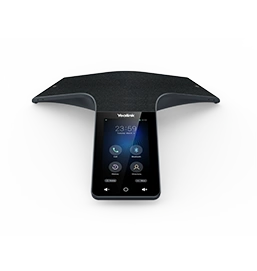
HD IP Conference Phone for on-the-go needs and huddle rooms
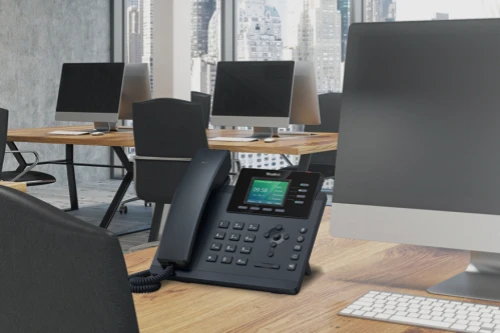
Well-rounded Office Phone & Cost-effective WiFi IP phone
Contact Us
Contact us for product quotes and installation consultations. We will promptly notify a local dealer to provide you with accurate and efficient service solutions.