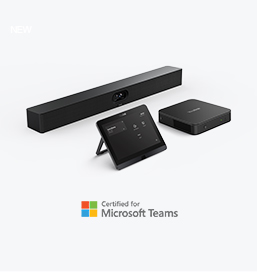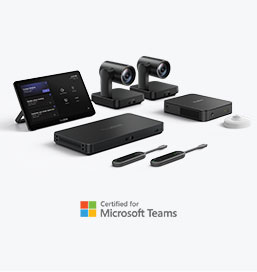
What Is MDEP?
The Microsoft-Secured Android Platform Shaping the Future of Collaboration Devices
In the rapidly evolving landscape of hybrid work, organizations rely on secure, reliable, and centrally manageable meeting room devices more than ever. As AV and IT teams face increasing complexity—from securing distributed endpoints to ensuring consistent user experiences across environments—Microsoft introduced a strategic initiative to unify and strengthen the Android ecosystem for enterprise devices: Microsoft Device Ecosystem Platform (MDEP).
This article provides a deep dive into what MDEP is, why it matters, and how it future-proofs meeting room systems such as Yealink’s MeetingBar series.
What Is MDEP?
MDEP ( Microsoft Device Ecosystem Platform ) is a Microsoft-secured Android operating system built upon the Android Open Source Project (AOSP). Unlike standard Android, MDEP is engineered specifically for enterprise-grade Teams devices through deep hardware-level integration and Microsoft’s Public Key Infrastructure (PKI).
In simple terms, partners often describe MDEP as:
“A Microsoft-enhanced Android OS tailored for enterprise collaboration devices.”
It is designed in partnership with leading OEMs to deliver a unified, secure, and manageable platform for devices running Microsoft Teams Rooms, Teams Displays, and other intelligent collaboration solutions.

Why MDEP Matters
As meeting spaces evolve, organizations need more than just functional devices—they need trustworthy systems that are secure, manageable at scale, and ready for long-term updates. MDEP addresses these challenges in three critical areas:
1. Enterprise-Level Security
Security has become the centerpiece of modern collaboration. MDEP significantly strengthens the security posture of Android-based devices by introducing:
● Hardware-backed device attestation
Ensures each device is verified at the silicon level to prevent tampering or unauthorized modification.
● Microsoft Public Key Infrastructure (PKI)
Enables secure authentication and encrypted communication throughout the device lifecycle.
● Secure monitoring services
Continually scans system integrity to detect malicious attacks or data leaks.
These security enhancements make MDEP devices significantly more resistant to threats compared with standard Android deployments.
2. Management Endorsed by Microsoft
In enterprise environments, managing hundreds—or thousands—of meeting room endpoints is a major challenge.
MDEP offers built-in support for Microsoft’s device management ecosystem:
● Microsoft Teams Admin Center (TAC)—for real time health visibility and remote actions
● Microsoft Intune—for policy-based device management
● Azure management capabilities—for identity and deployment integration
In addition, devices also work seamlessly with platforms such as:
● Yealink Management Cloud Service (YMCS)
● Zoom Device Management (ZDM)
● MTR Portal Management Platform (PMP)
Because MDEP standardizes the OS across OEMs, IT admins gain a consistent and predictable management experience—reducing operational overhead.
3. Guaranteed OS Upgrade Path
One of the biggest limitations of traditional Android for enterprises is uncertainty around update cycles.
MDEP changes this with guaranteed OS upgrade and support commitments from Microsoft, ensuring:
● Longer lifecycle support
● Consistent firmware updates
● Predictable security patches
● Compatibility with future Teams innovations
This is crucial for organizations planning multi-year deployments of meeting devices.
Learn More about MDEP
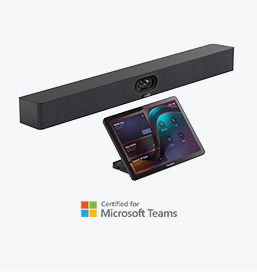
MDEP in Action: Yealink MeetingBar A25
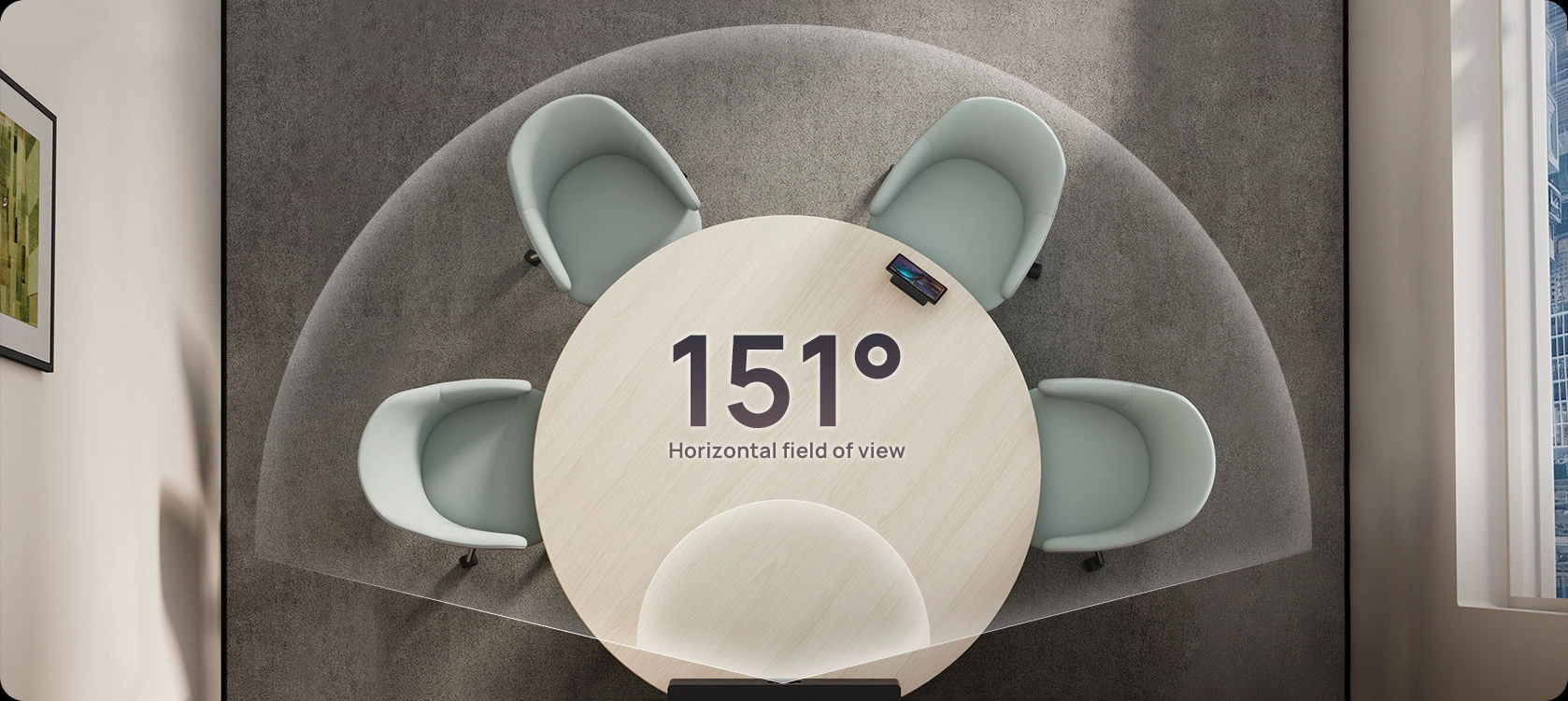
Devices like the Yealink MeetingBar A25, powered by Android 13 with MDEP, represent the new standard of intelligent, secure, and scalable meeting room endpoints.
Key advantages include:
● Future-proof architecture
Built on Android 13, ensuring long-term compatibility.
● Enhanced security defenses
Strengthened against malicious attacks and data leaks.
● Advanced AI readiness
With MDEP's ecosystem tools, OEMs can more easily integrate AI models for features like intelligent framing, voice recognition, noise suppression, and more.
Together, these capabilities deliver a more stable, secure, and intelligent meeting experience for modern workplaces.
Benefits of MDEP at a Glance
√ Enterprise-Level Security
● Strict hardware-layer verification
● Trusted device identity
● Continuous protection against infiltration
√ Unified Management & Deployment
● Native integration with Microsoft Teams Admin Center
● Intune & Azure compatibility
● Streamlined bulk deployment for global rollouts
√ Advanced, Future-Proof, Customizable Platform
● Built on Android 13
● Optimized for intelligent collaboration
● Easier implementation of OEM innovations and AI features
Why MDEP Is the Future of Collaboration Devices
As hybrid work accelerates digital transformation, traditional Android devices increasingly fall short in meeting enterprise-grade security, manageability, and lifecycle expectations.
MDEP offers a unified foundation that:
● Simplifies management for IT teams
● Delivers superior protection for corporate data
● Ensures long-term product viability
● Fosters deeper integration with Microsoft ecosystems
With Microsoft’s endorsement and guaranteed upgrade path, MDEP is poised to become the new backbone for next-generation Microsoft Teams Room (MTR) devices and Android-based collaboration endpoints.
MDEP is more than just an operating system—it's a strategic platform built to secure, simplify, and elevate the way organizations manage collaboration devices.
For OEMs, it provides a standardized and powerful base to innovate upon.
For enterprises, it delivers confidence, efficiency, and long-term value.
As devices like the Yealink MeetingBar A25 demonstrate, MDEP empowers hardware partners to achieve new levels of performance, security, and intelligence—ultimately shaping the future of the meeting room ecosystem.