
Yealink Device Comparison
CATEGORY
Product
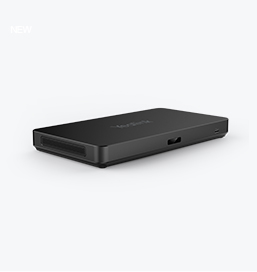
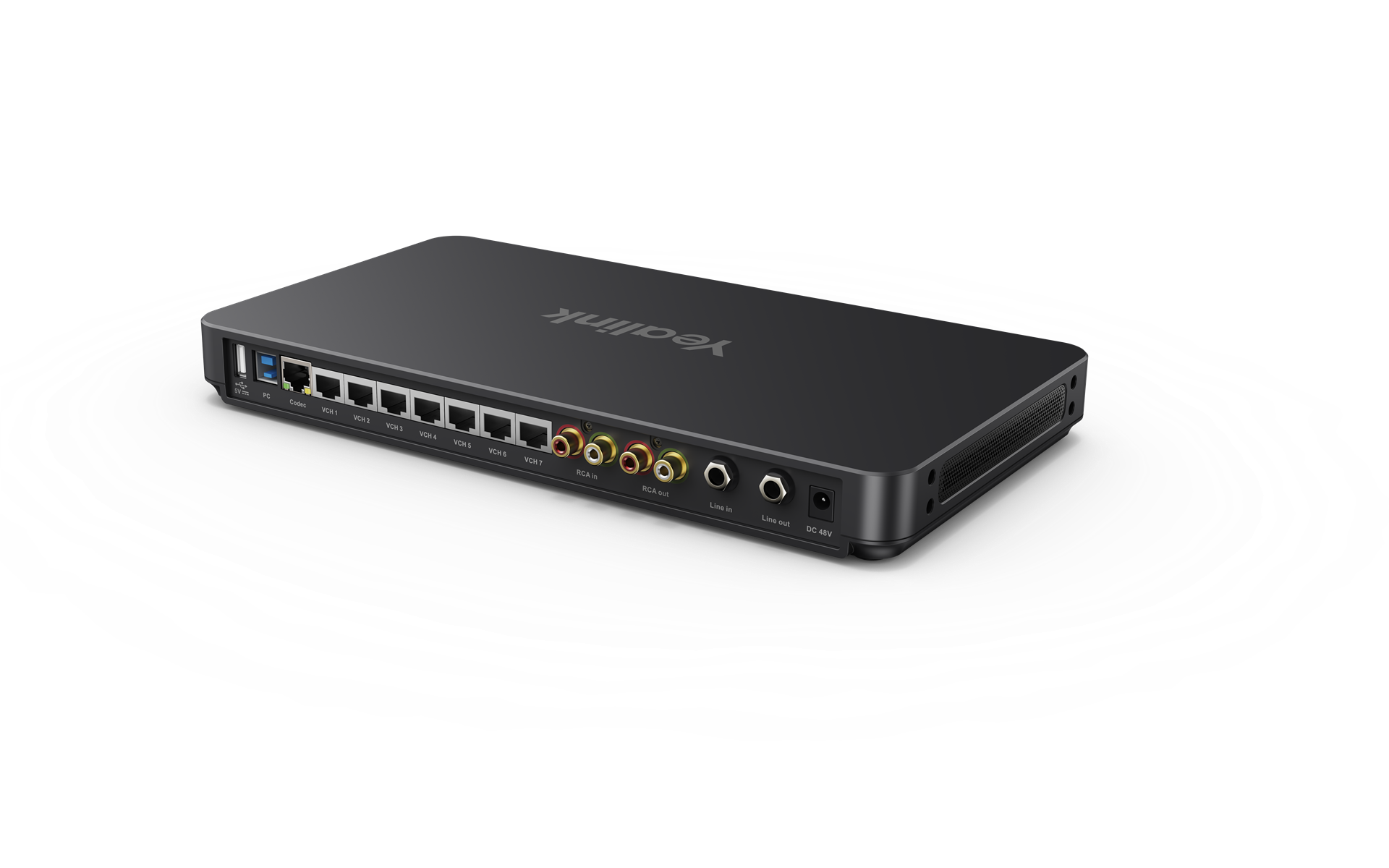
AVHub
Meeting Audio & Video Processor
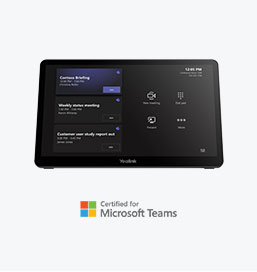
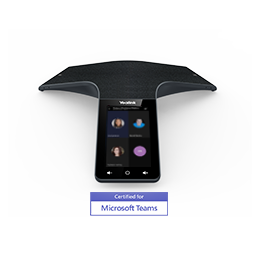
MTouch Plus
MTouch Plus
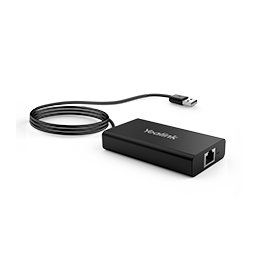
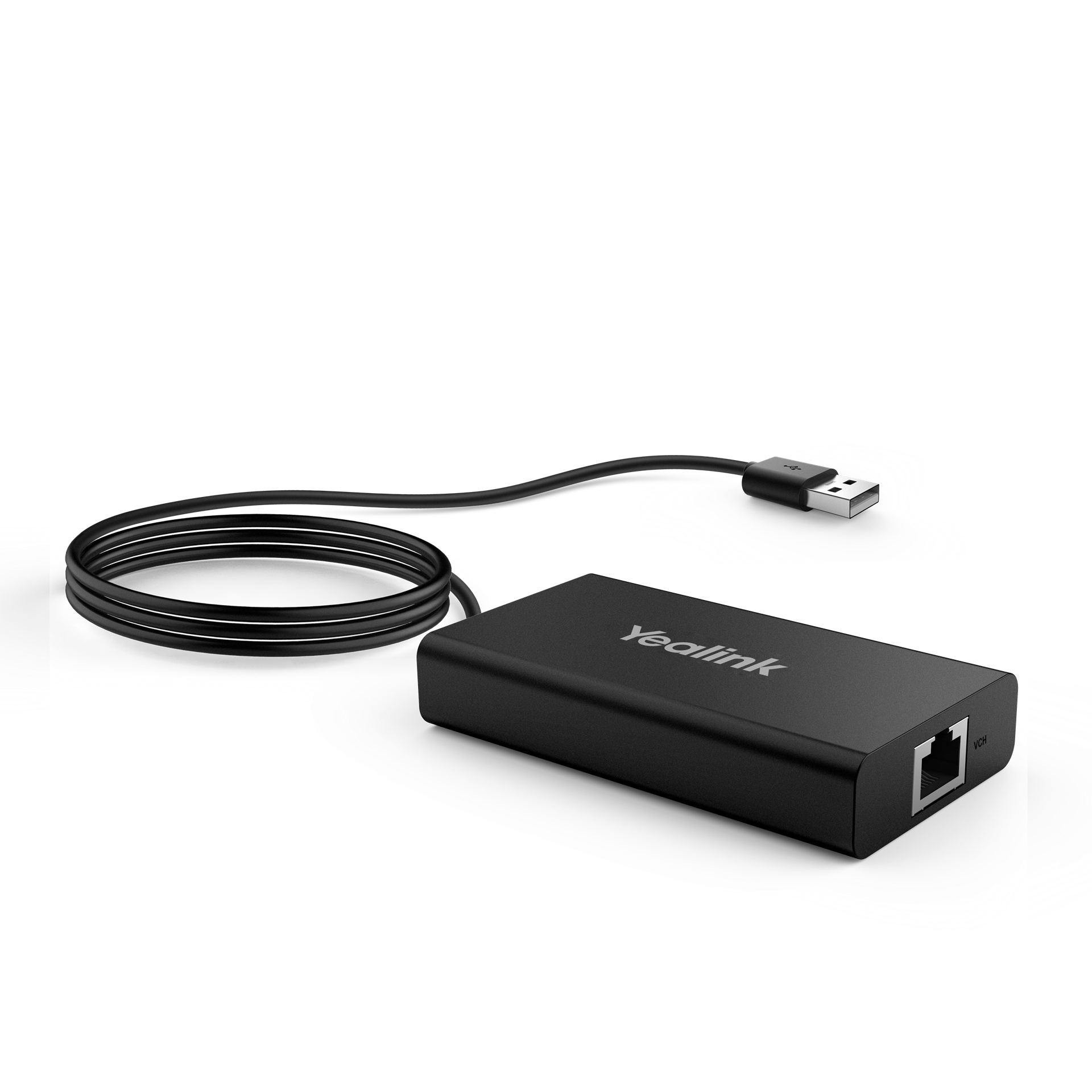
MVC-BYOD-Extender
MVC-BYOD-Extender
All Specifications
Appearance
OverView
Keywords
• Multi-camera Layout
• Support Multi-camera IntelliFocus
• Support Divisible Room
• Easy Deployment
• BYOD
• Audio & Video Processing Capability
• 1080P Narrow Frame Large Screen
• Multiple Touch Panels to Control Meeting
• Third-party Screen Sharing*
• Automatic Wake-up with RoomSensor
• Power Supply for PC (Content Sharing)
• Plug and play
• Simple and flexible deployment
• Up to 100-meter deployment
Key Features
AVHub Port
• 2 x USB-A Port
• 1 x USB-B Port
• 1 x Codec Port
• 7 x VCH Port (RJ-45)
• 1 x RCA in/out Port
• 1 x 6.3 mm Line in Port
• 1 x 6.3 mm Line out Port
• 1 x Power Supply Port
• Screen Brightness 290 cd/m²
• Screen Contrast: 1000
• HDMI 2.0 ingest
• Scratch resistent screen
• WiFi: IEEE 802.11 a/b/g/n/ac/ax.
• Bluetooth: BT 5.2
• 1.5m USB2.0 Type-A cable
• 1 x VCH port (RJ45)
• Dimension:89mm x 48mm x 17mm
Introduction
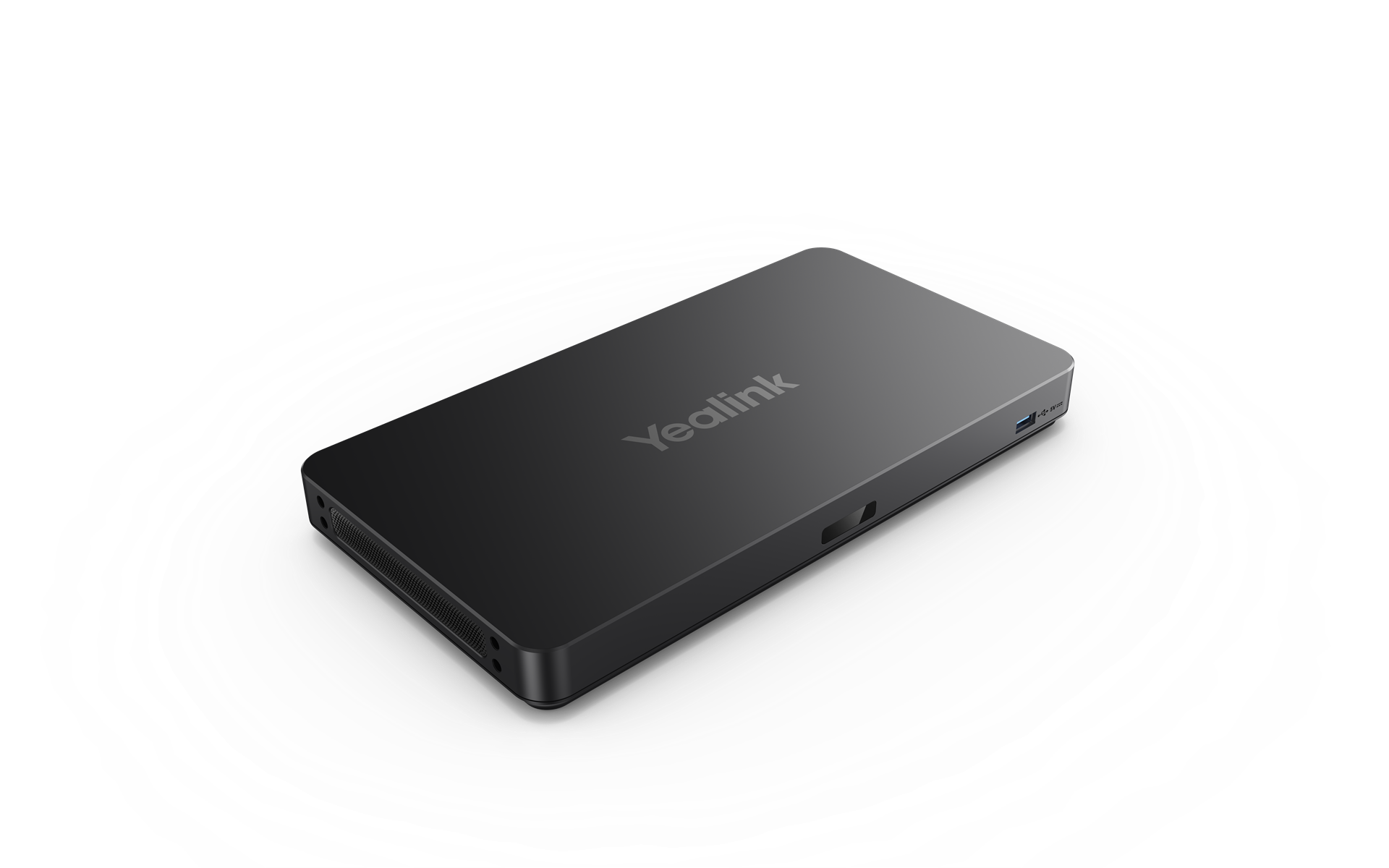
Yealink AVHub is a conference audio-video processor designed for large/extra-large conference rooms and the conference industry. AVHub supports multiple cameras, microphones, and speakers, leveraging its audio-video processing capabilities to unleash the power of PCs. Additionally, cameras, microphones, and speakers can be directly connected to AVHub via Ethernet cables with Power over Ethernet (PoE), reducing wiring complexity and enabling centralized management of video and audio devices.
Yealink MTouch Plus is the specific-designed Yealink third-generation touch panel with a unique appearance and all-in-one features. With an 11.6-inch anti-fingerprint and anti-glare IPS large screen, MTouch Plus provides you with a more comfortable control experience during the meeting. Yealink MTouch Plus supports controlling meetings by multiple touch panels simultaneously and allowing multiple participants to control the meeting synchronously.
Yealink MVC-BYOD-Extender can transform Yealink Windows-based conference rooms into multifunctional conference rooms, to bring your own meeting on different video platforms. Simply plug a USB cable into your laptop, run any video software you want to use, and enjoy the immersive meeting experience provided by the audio and video equipment in the conference room

Finance
Education
Healthcare
Manufacturing
By Industry
Future Workers
Personal Collaboration
Desktop Video
By Scenario
3CX
Extron
Broadsoft
Metaswitch
For Strategic Partners
Contact Us
Learn more about Solution Application