
Yealink Device Comparison
CATEGORY
Product
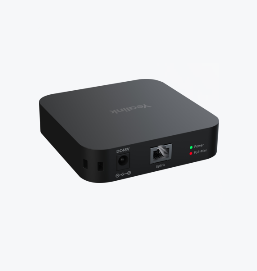
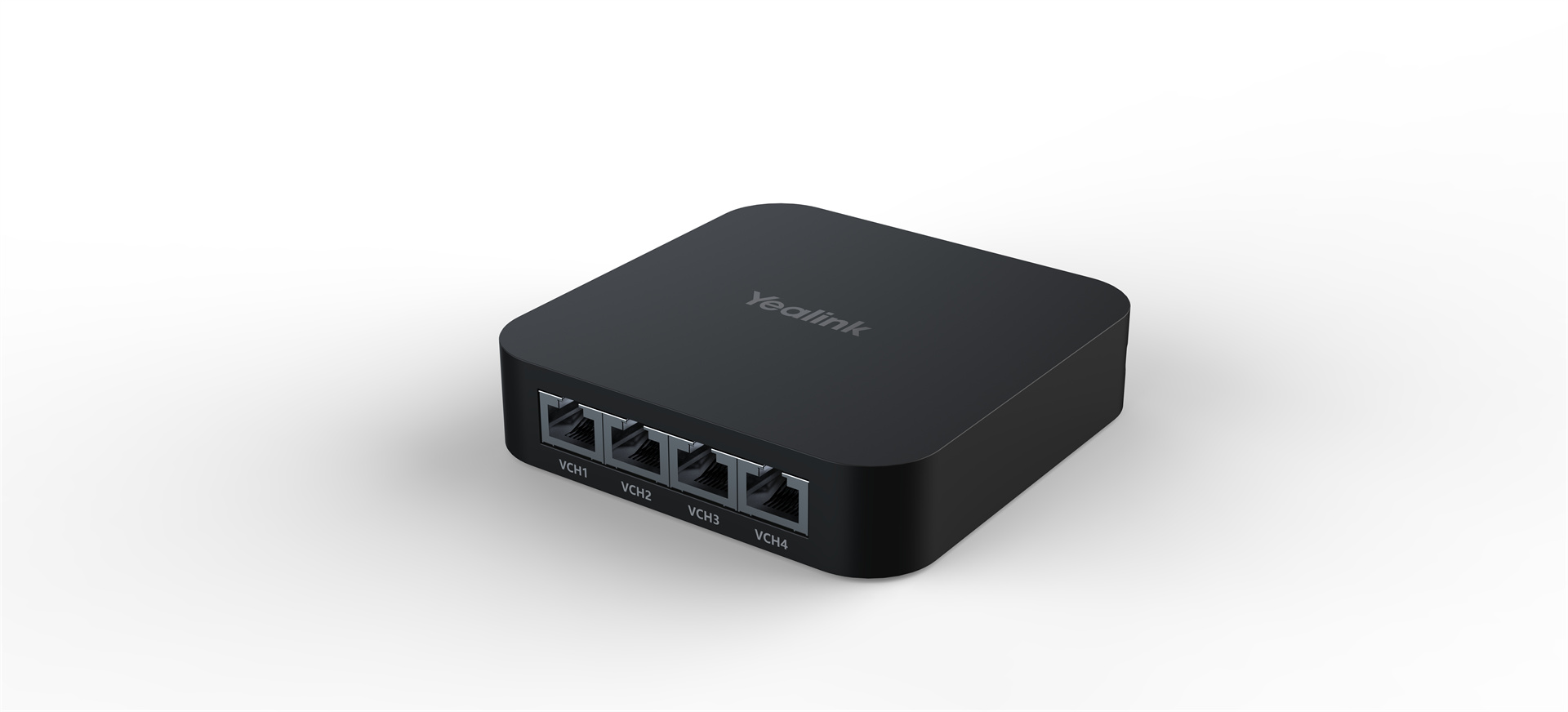
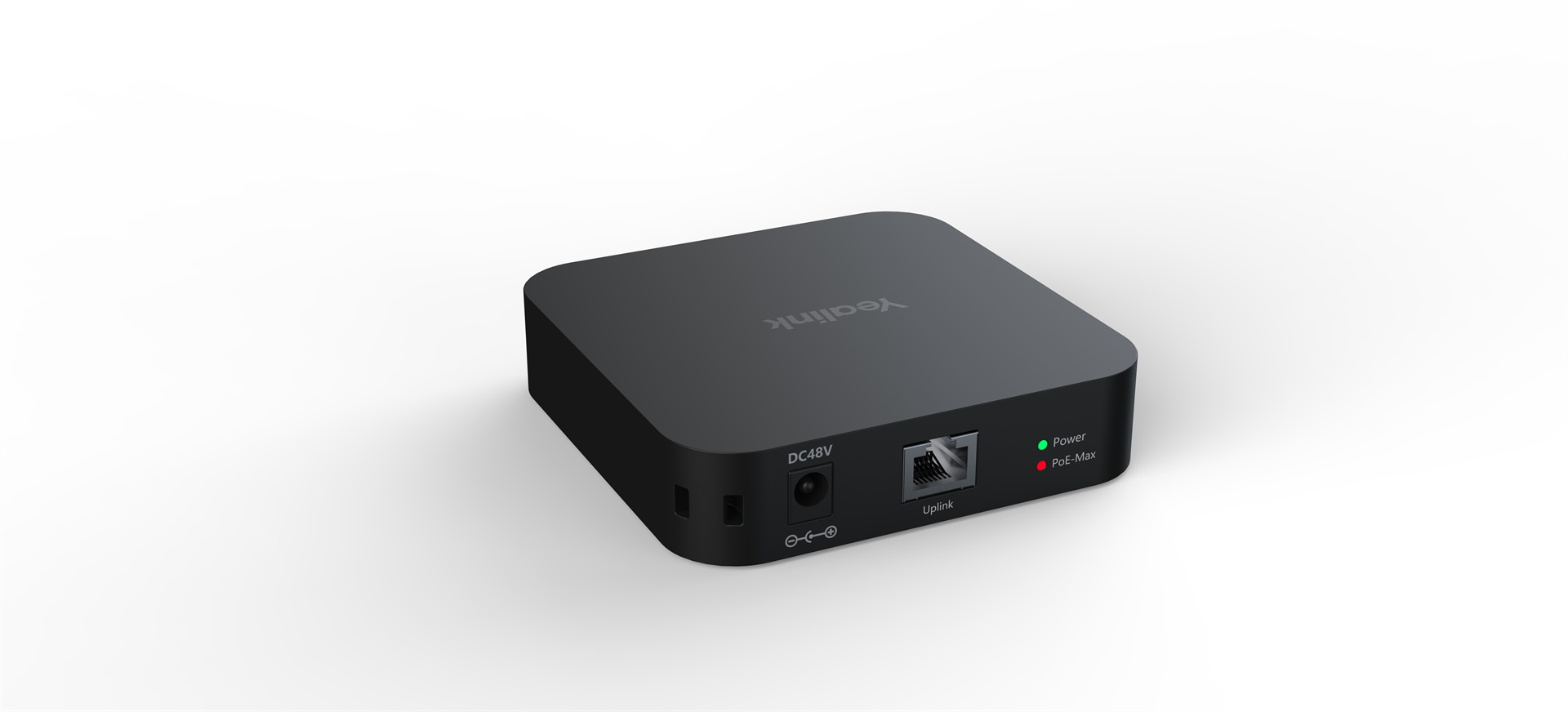
RCH40
Room Cable Hub
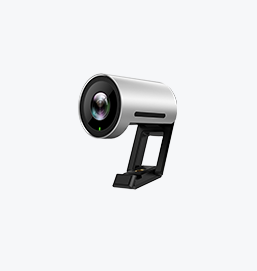
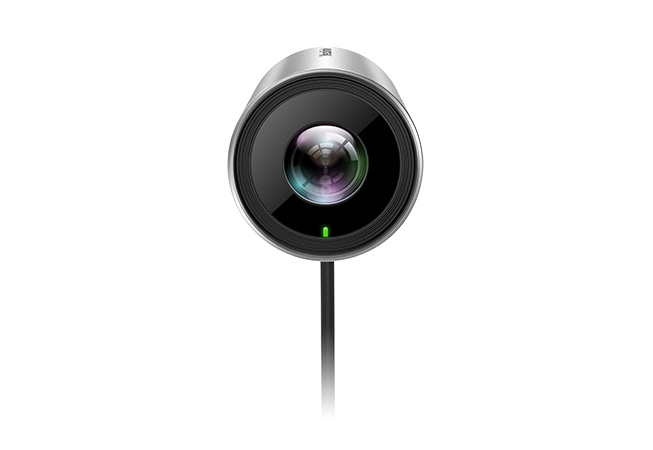
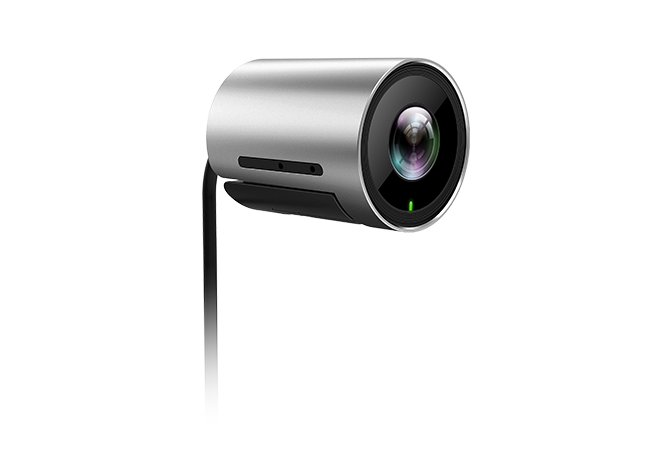
UVC30 Room
UVC30 Room
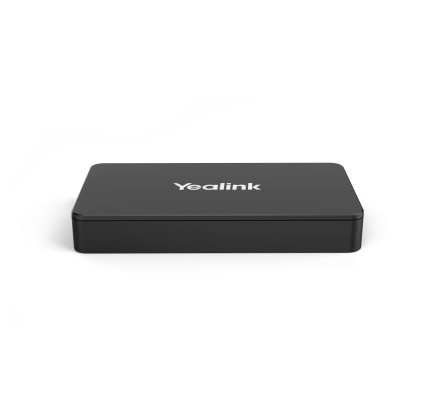
MShare E2
MShare E2
All Specifications
Appearance
OverView
Keywords
• Up to 90w PoE Budget
• 4x 10/100/1000Mbps Port
• 802.3af/at-compliant
• PoE Priority Control
• 4K USB Camera
• Superb Image Quality
• Auto-Framing
• Ultra Expansive Field of View
• Easier and Smooth PTZ Control
• Multiple Mounting Options
● Flexible Deployment
● Seamless Integration
● Versatile Connectivity
● Intuitive Status Indicator
● Compact and Concealable
● Enhanced Aesthetics
Key Features
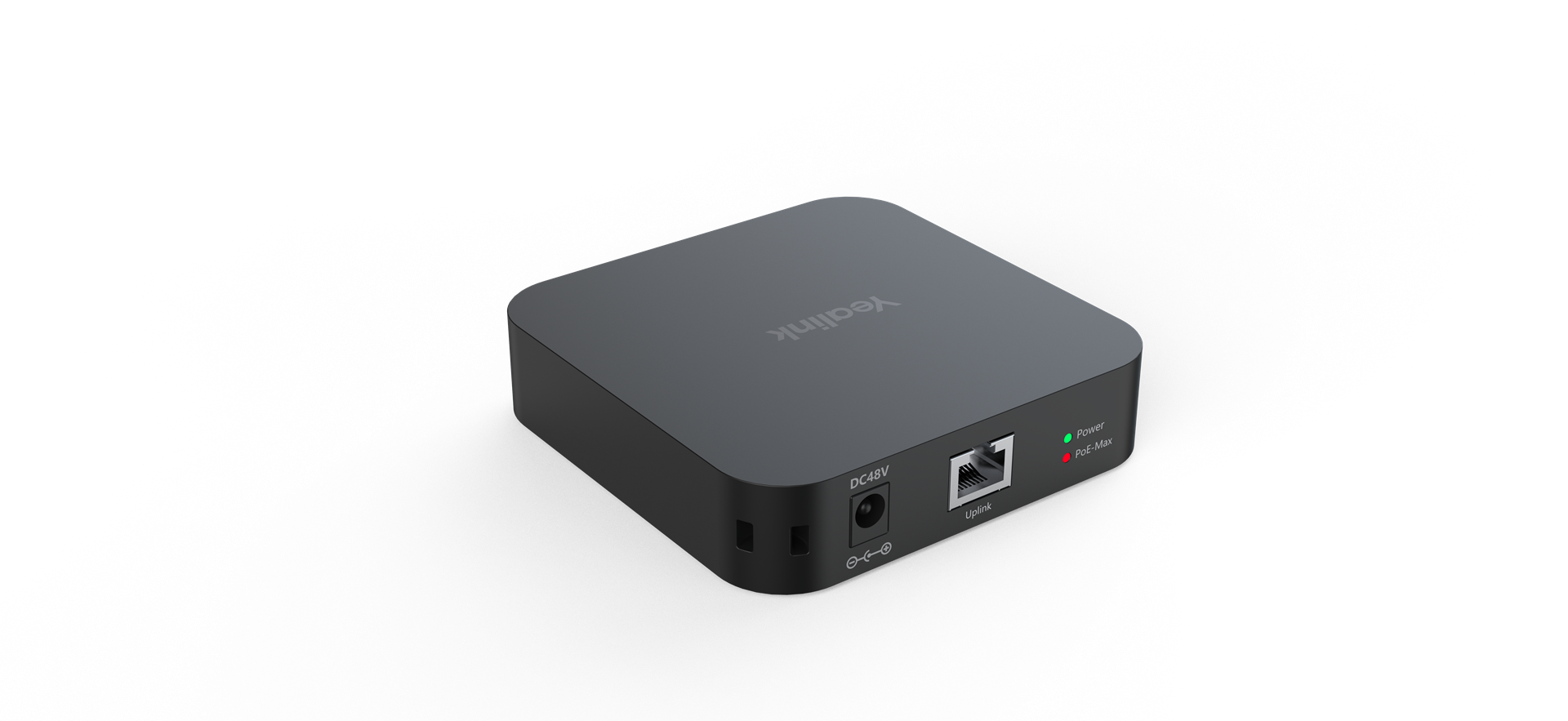
• 4x 10/100/1000Mbps Port
• 802.3af-compliant
• Mutiple deploy method
• 90w total PoE Budget(30w per port)
Physical Feature
• 1x LED indicate Power state
• 1x LED indicate PoE Budget
• Support standard PoE Supply(802.3af)
• Dimension(WDH):100mm x 100mm x 23mm
• USB Camera
• 4K Resolution
• 120⁰ Field of View
• Auto Framing
• 30 FPS
• Wide Dynamic Range
● Up to 1080P/30FPS Full HD Screen Sharing
● Audio sharing support
● USB Type-B (Female)
● HDMI in (Female)
● USB C in (Female)
● LED Light
Introduction
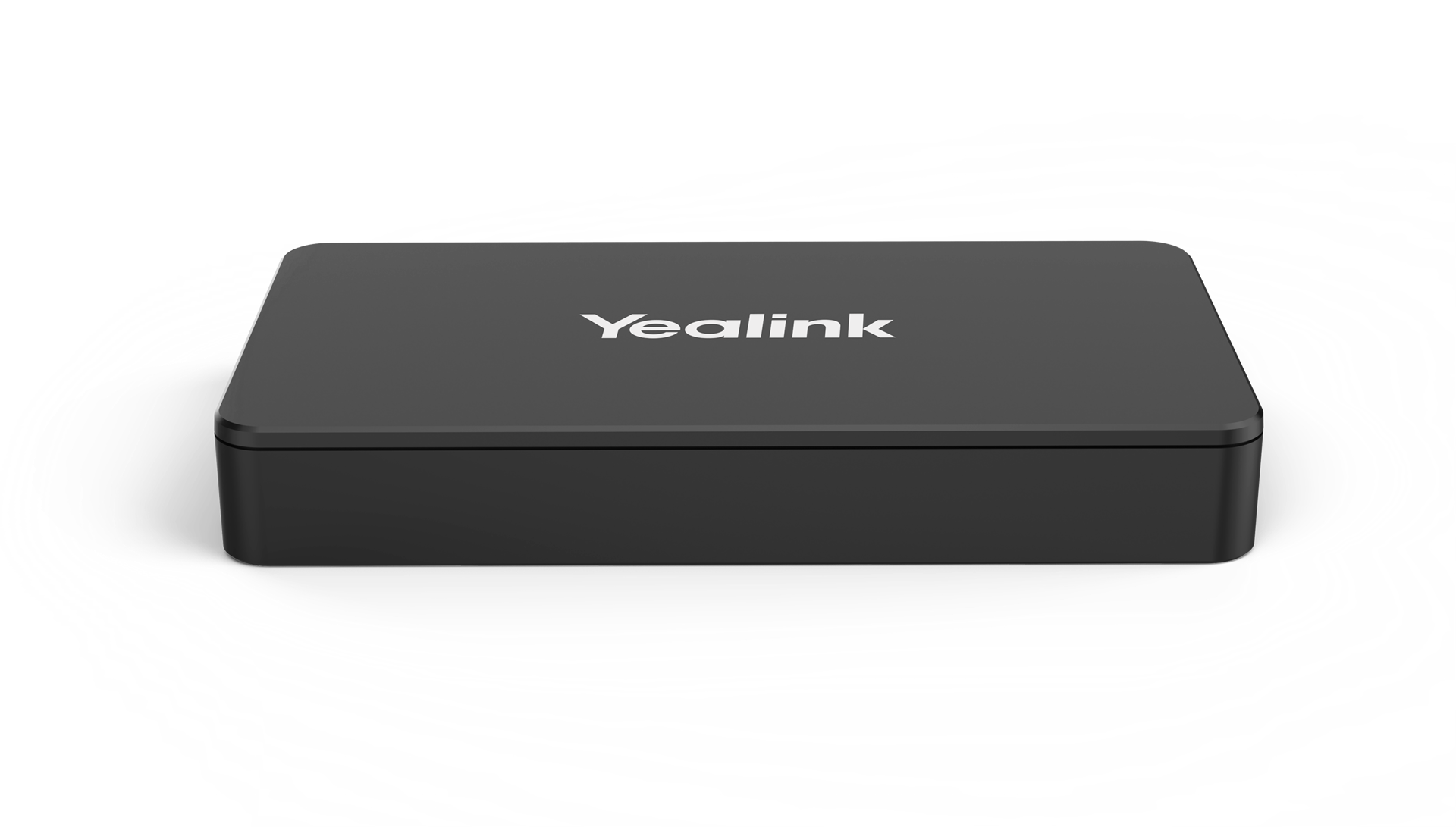
The RCH40 provides 4 10/100/1000Mbps ports that support 802.3af-compliant PoE, with a total PoE power supply up to 90W, powerful and flexible enough for users to connect video conference system. The RCH40 also comes equipped with Yealink EasyConnect, user can connect RCH40 to Yealink VCH port without power adapter, simplifying your cable connection.
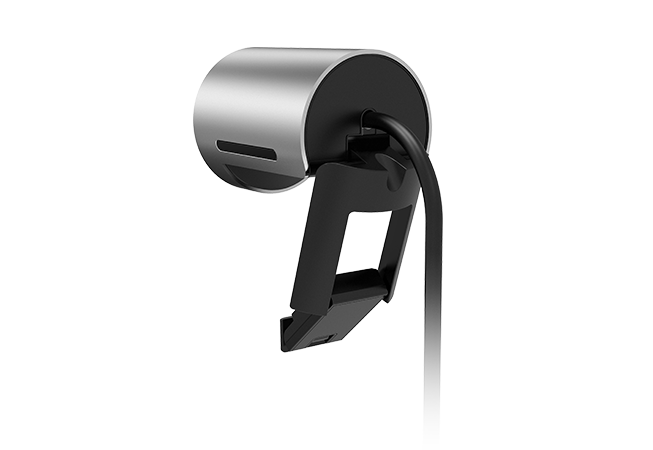
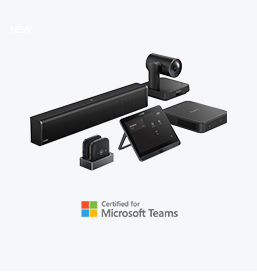
UVC30 USB camera is an Ultra HD camera released by Yealink. It includes two editions to satisfy different usage scenarios: the UVC30-Room edition for small and huddle meeting rooms, and the UVC30-Desktop edition for your daily use with your PC. Based on standard UVC protocol, the UVC30 camera can work with most UC platforms, including Microsoft Teams and Skype for Business, Zoom, etc.
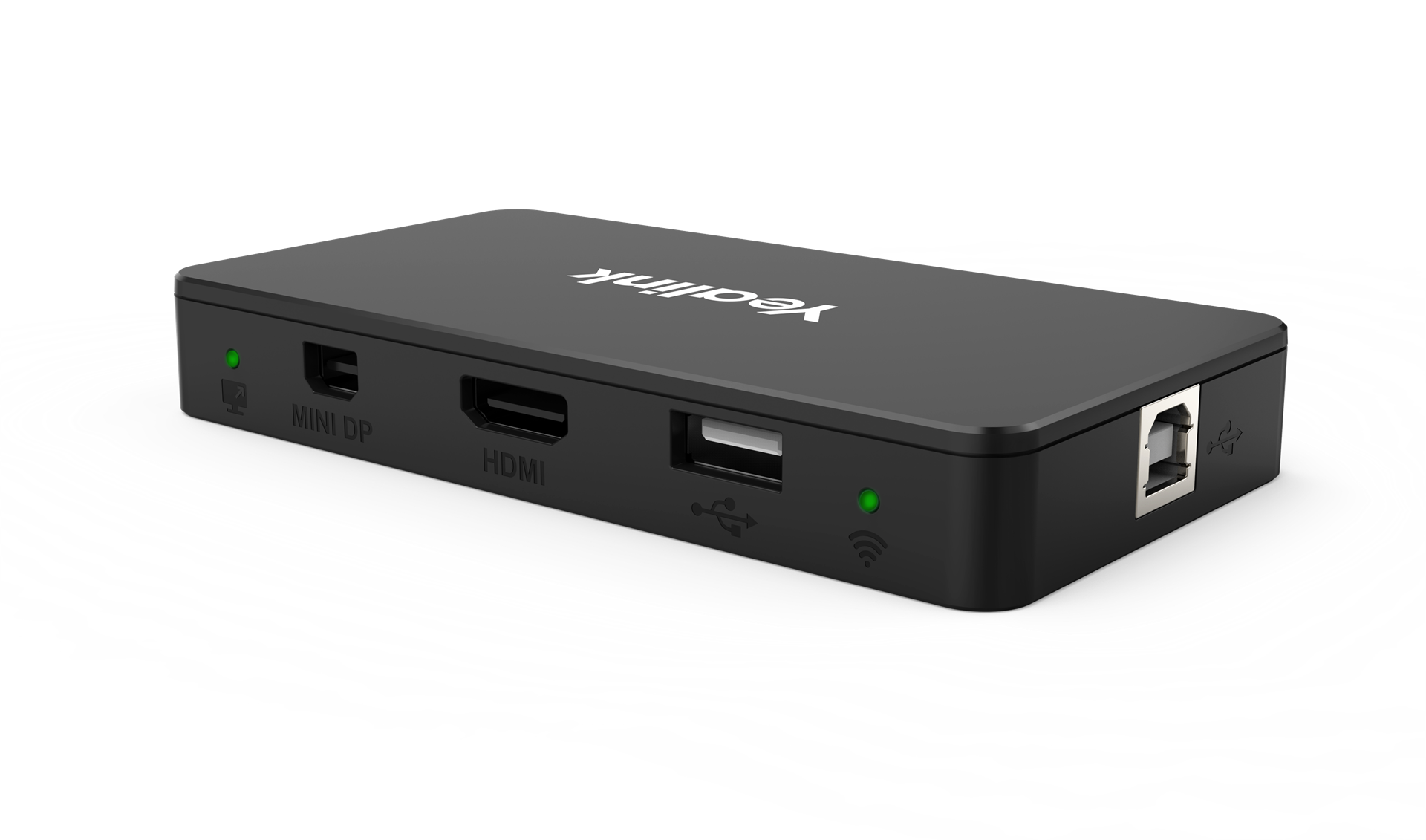
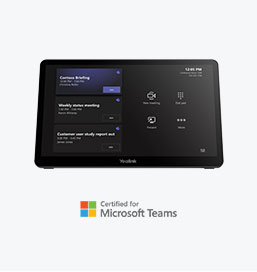
Yealink MShare E2 is the MVC screen sharing box, it uses the design which is separate with Touch Console. It can make deployment more flexibility, and satisfy to more different scenarios. When the MTouch Console casting cable is no longer enough, the compact and flexible accessory MShare E2 can be deployed in proximity space to enable the casting function. It has three ports, 1x USB-Type B, 1x HDMI In, and 1x USB-C, and a LED bi-color light that can be used to indicate the casting status of the wired auxiliary stream.
Finance
Education
Healthcare
Manufacturing
By Industry
Future Workers
Personal Collaboration
Desktop Video
By Scenario
3CX
Extron
Broadsoft
Metaswitch
For Strategic Partners
Contact Us
Learn more about Solution Application