Best Video Conferencing System for Medium to Large Meeting Rooms
Explore the Yealink MVC S50, a powerful Microsoft Teams Rooms system for medium to large meeting rooms, combining AI-driven video, crystal-clear audio, and seamless collaboration.

Explore the Yealink MVC S50, a powerful Microsoft Teams Rooms system for medium to large meeting rooms, combining AI-driven video, crystal-clear audio, and seamless collaboration.
Medium and large conference rooms have become the command centers of modern hybrid collaboration. These spaces host strategy discussions, key decision-making sessions, and important client meetings. Yet, they also face a familiar challenge — how to create an inclusive, immersive meeting experience that connects every participant, whether they’re in the room or remote.
As hybrid work becomes the standard, organizations are seeking AI-powered, high-performance meeting solutions that deliver more than just connectivity. They want intelligence, flexibility, and native Microsoft Teams integration. This is where Yealink MVC S50 stands out — Video Conferencing System designed specifically for medium to large rooms.
A medium or large meeting room typically hosts 10 to 20 participants and requires seamless coordination between multiple AV devices. The room’s size and layout often introduce several challenges — ensuring clear audio pickup, stable video framing, and simple device control for all participants.
These rooms demand a system that offers:precise video framing, studio-level sound clarity, AI optimization, and easy BYOD integration. Whether it’s a boardroom presentation, a hybrid classroom, or a project review session, the system needs to support natural, face-to-face interaction — even across screens.
This is why a truly effective solution must combine:wide-angle cameras, beamforming microphones, high-output speakers, intelligent processing power, and environmental sensing.
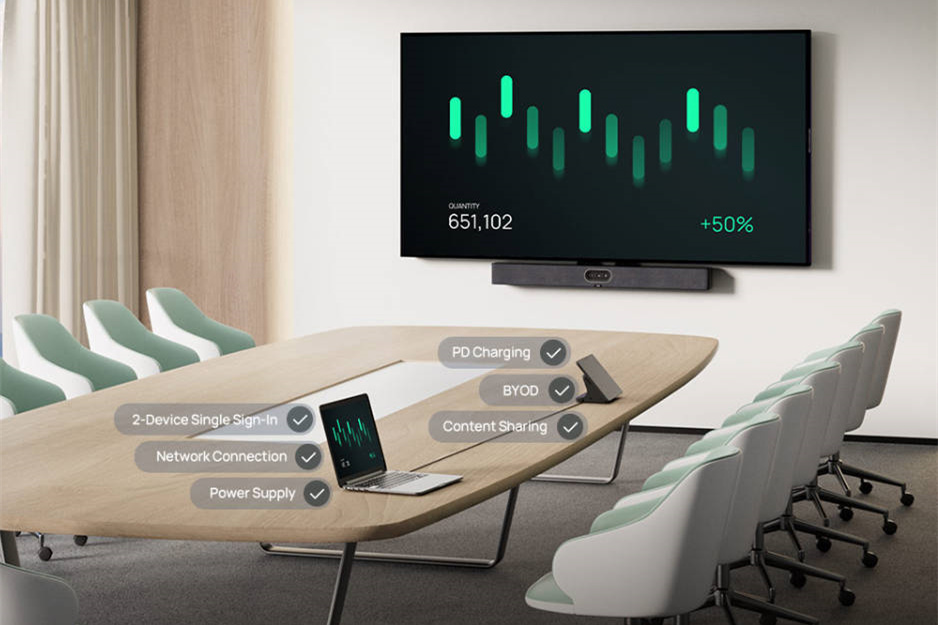
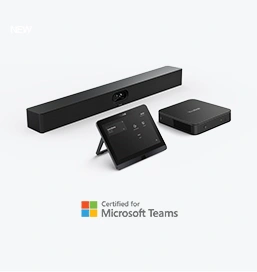
The Yealink MVC S50 is a comprehensive Microsoft Teams Rooms system engineered to transform medium and large conference spaces into intelligent collaboration hubs. Every component — from camera to sensor — works seamlessly to deliver an effortless, professional experience.

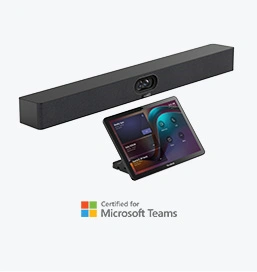
At the heart of the MVC S50 is the A50 Video Bar, integrating video, audio, and AI processing into one elegant device. It features an industry-leading triple-eye camera system — a wide camera (HFOV 98°, VFOV 81°) plus dual telephoto lenses (HFOV 41.6°, VFOV 31.8°) — capturing every participant with cinematic precision.
Its 16 MEMS microphone array ensures crystal-clear audio from every corner of the room, while the 4×5W speakers deliver rich, immersive sound. Powered by Qualcomm QCS8550 with 48 Tops AI computing power, the A50 supports advanced AI functions such as IntelliFocus, Speaker Tracking, Video Fence, People Counting, Picture-in-Picture, and Auto Framing.
This makes it ideal for dynamic, discussion-driven environments — from executive boardrooms to university collaboration spaces.
The MCore 4 acts as the intelligent computing hub, powered by an Intel Core Ultra 5 processor with a built-in NPU delivering 34 Tops of AI power. It supports 16GB DDR5 memory, 256GB SSD storage, and multiple connectivity options including 3 HDMI outputs, 4 USB 3.0 ports, Bluetooth, and Wi-Fi.
The unit also provides 4K content sharing via HDMI-in and features IP connection with the MTouch console for smooth system control. Its high computing capacity ensures smooth AI-based image analysis and quick switching between Teams, BYOD, or presentation modes.
The MTouch Plus puts the entire Teams experience at your fingertips. It features an 11.6-inch IPS display with 1080p resolution and an adjustable angle (30°–70°), ensuring clear visibility from any position. Users can easily join meetings, share content, and control cameras — all through a single touch interface.
With support for wired and wireless content sharing (via WPP30), the console adapts to different room setups, whether placed on a desk, mounted on a wall, or integrated into a conference table.
Completing the ecosystem, the RoomSensor adds intelligence to the room environment. It detects occupancy, temperature, humidity, and lighting through Bluetooth BLE 5.2, with a reach of up to 30 meters. It enables smart automation — such as automatically waking the room when participants enter — improving both energy efficiency and user convenience.
For optimal results in medium and large meeting rooms, Yealink recommends a structured deployment:
Place the A50 Video Bar below the main display at about 1.2–1.5 meters from the floor, ensuring natural eye-level alignment. Install the RoomSensor near the ceiling for maximum detection range. Position the MTouch Plus at the conference table for easy control, and connect the MCore 4 to the main display and network for reliable connectivity.
For even larger spaces or rooms with challenging acoustics, add Yealink CM50 or CM20 ceiling microphones to extend voice pickup and maintain consistent sound coverage.
Tips to Avoid Common Pitfalls:
Avoid placing the camera near glass or reflective walls that may affect AI framing accuracy. Keep the audio setup fully digital to prevent echo or delay. And always test wireless sharing performance before critical meetings to ensure a smooth user experience.
The MVC S50 isn’t just an equipment bundle — it’s an intelligent meeting ecosystem built for performance, reliability, and simplicity. Certified for Microsoft Teams Rooms, it ensures seamless integration, automatic optimization, and centralized management.
With its AI-powered automation, high computing power, and intuitive control, it delivers a consistent experience across every office and meeting space — helping teams collaborate smarter, not harder.
Q1: How to Install the MVC S50-C5U?
Click here
Q2: What’s the recommended room size for MVC S50?
The system is ideal for rooms hosting 10–20 participants, typically around 6×8 meters or larger.
Q3: Does it support wireless content sharing?
Yes. With the Yealink WPP30 adapter, users can share content wirelessly through MTouch Plus.
Q4: What’s the difference between IntelliFocus and Auto Framing?
IntelliFocus dynamically switches focus between speakers, while Auto Framing adjusts the frame to include all participants automatically.
Q5: Can ceiling microphones be added?
Yes. The MVC S50 supports Yealink CM50 or CM20 ceiling microphones for extended pickup and consistent sound quality.
In the era of hybrid collaboration, the Yealink MVC S50 redefines what a medium-to-large room meeting system can be. With its AI-driven video intelligence, premium audio design, and native Teams experience, it brings every participant into focus — ensuring that every meeting is productive, inclusive, and effortless.
Tips:This article is for reference only. Please visit the Yealink product details page to learn more about products and application scenarios, or contact us for further assistance.
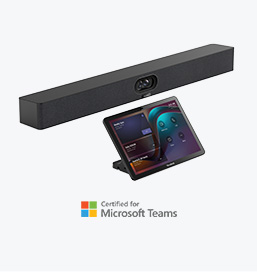
Discover Yealink Teams Rooms Devices for seamless Microsoft Teams collaboration with premium audio and video solutions.
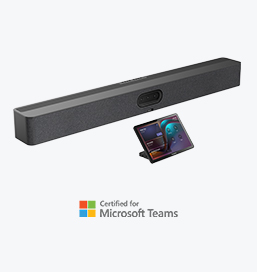
Big Impact for Bigger Spaces - All-in-one video bar for medium to large rooms

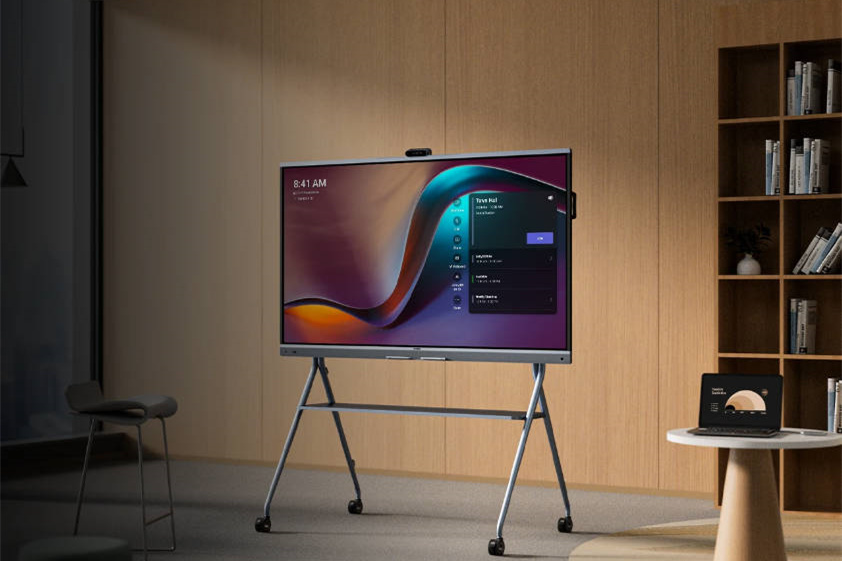
Discover the all-in-one video conferencing device with an interactive whiteboard, designed for seamless collaboration in Microsoft Teams Rooms.
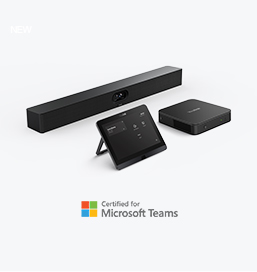
Discover high-performance, cost-effective video conferencing systems tailored for small to medium-sized rooms, ensuring seamless communication and collaboration.
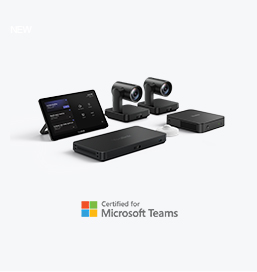
Video Conferencing System For Pro-AV Rooms.
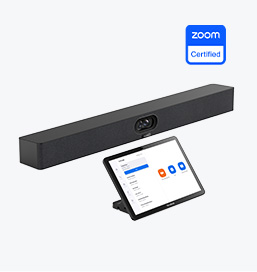
Explore Yealink’s Zoom Rooms devices for seamless, high-quality video conferencing solutions.
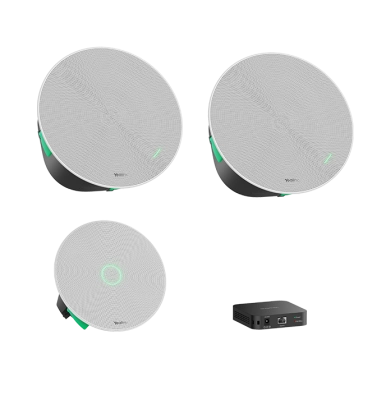
Yealink's room audio devices, offering crystal-clear sound for an immersive video conferencing experience.
Intelligent Solutions for Smarter, More Efficient Meeting Spaces.
Experience the all-in-one video bar designed for premium small to medium rooms, optimized for Microsoft Teams Rooms on Android.
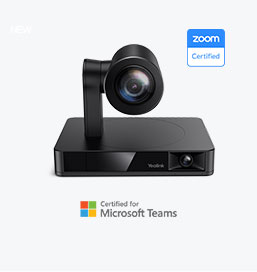
Simple and flexible video conferencing camera solutions for any workspace or meeting setup.

Empowering Businesses with Yealink Video Device Solutions for Microsoft Teams.

From huddle spaces to extra-large meeting rooms, enjoy seamless audio and video powered by AI,easy-to-manage package.

Professional Meetings Made Easy with MeetingBar Series,All Rooms Plug-and-Play.
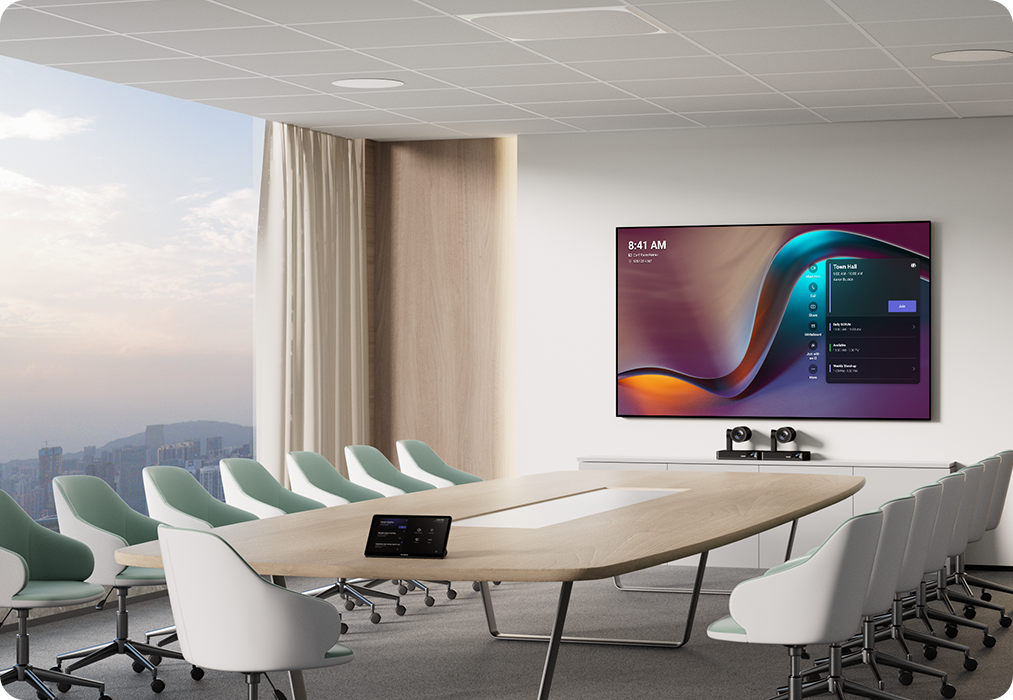
Yealink Next-Gen Hybrid Meeting Style - Any Space, Any Discussion.
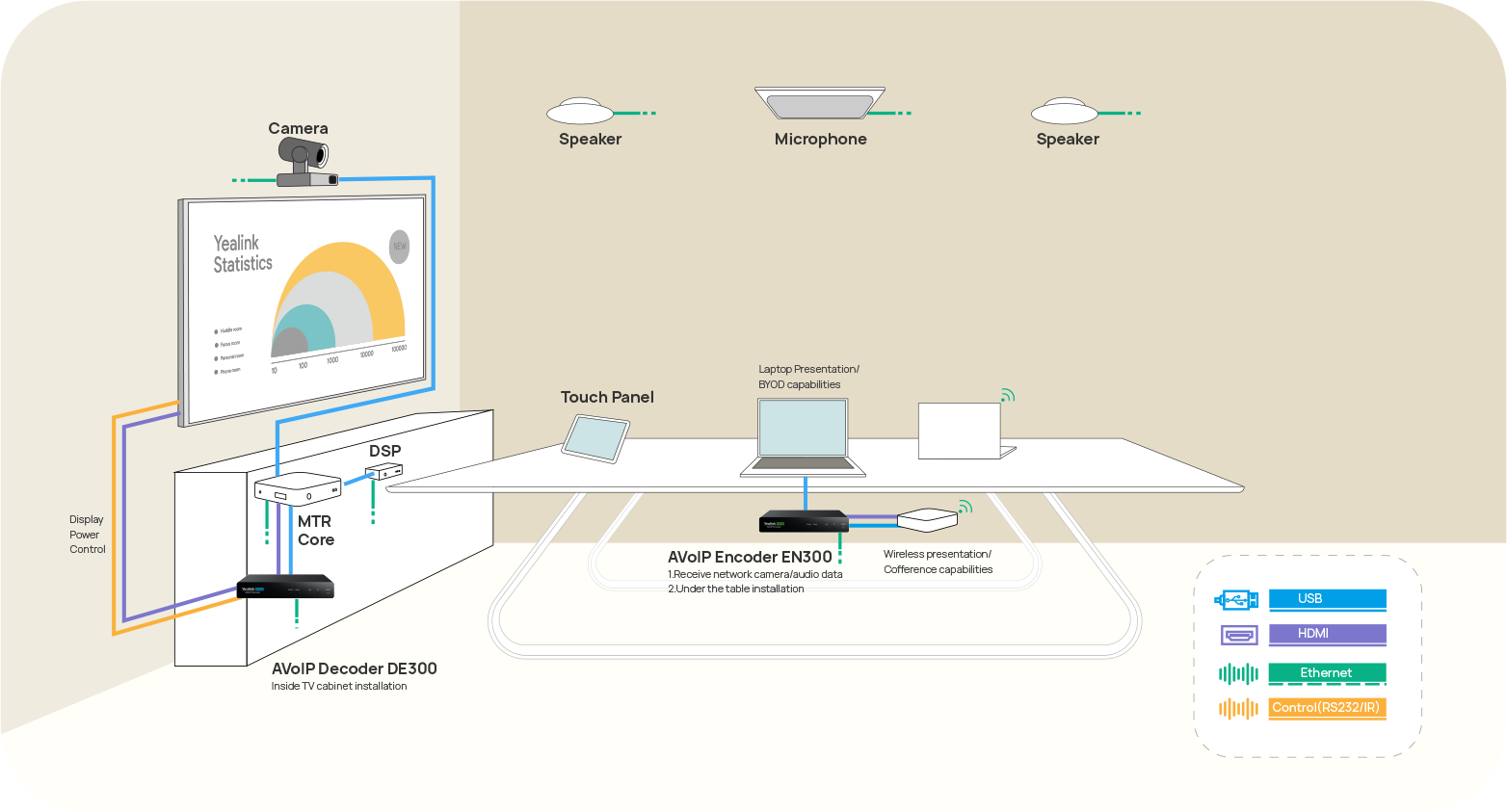
Building an AV system shouldn’t feel like solving a puzzle — but for many, it still does. Microphones, DSPs, cameras, control panels — often from different vendors..

Yealink Video Solutions for Zoom Rooms cover every scenario you need for video meetings, such as small, medium, and large meeting rooms.
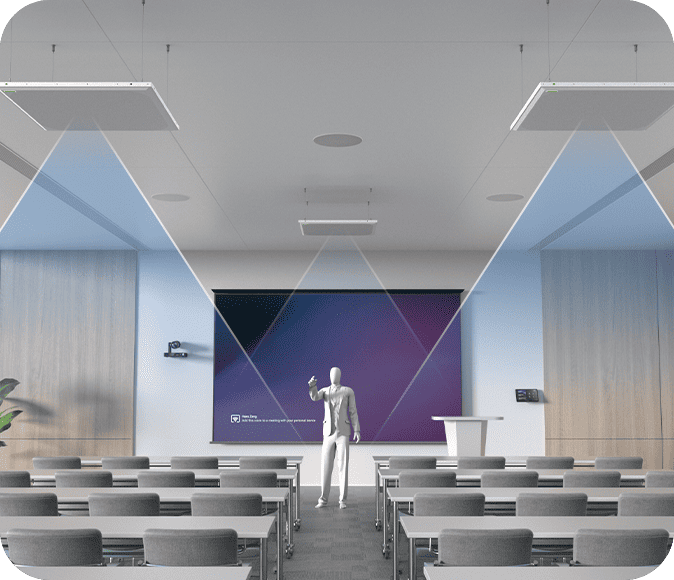
Discover SKYSOUND audio solutions for unparalleled sound clarity in your conference room. Enhance your meetings with advanced audio technology designed for medium-sized spaces.
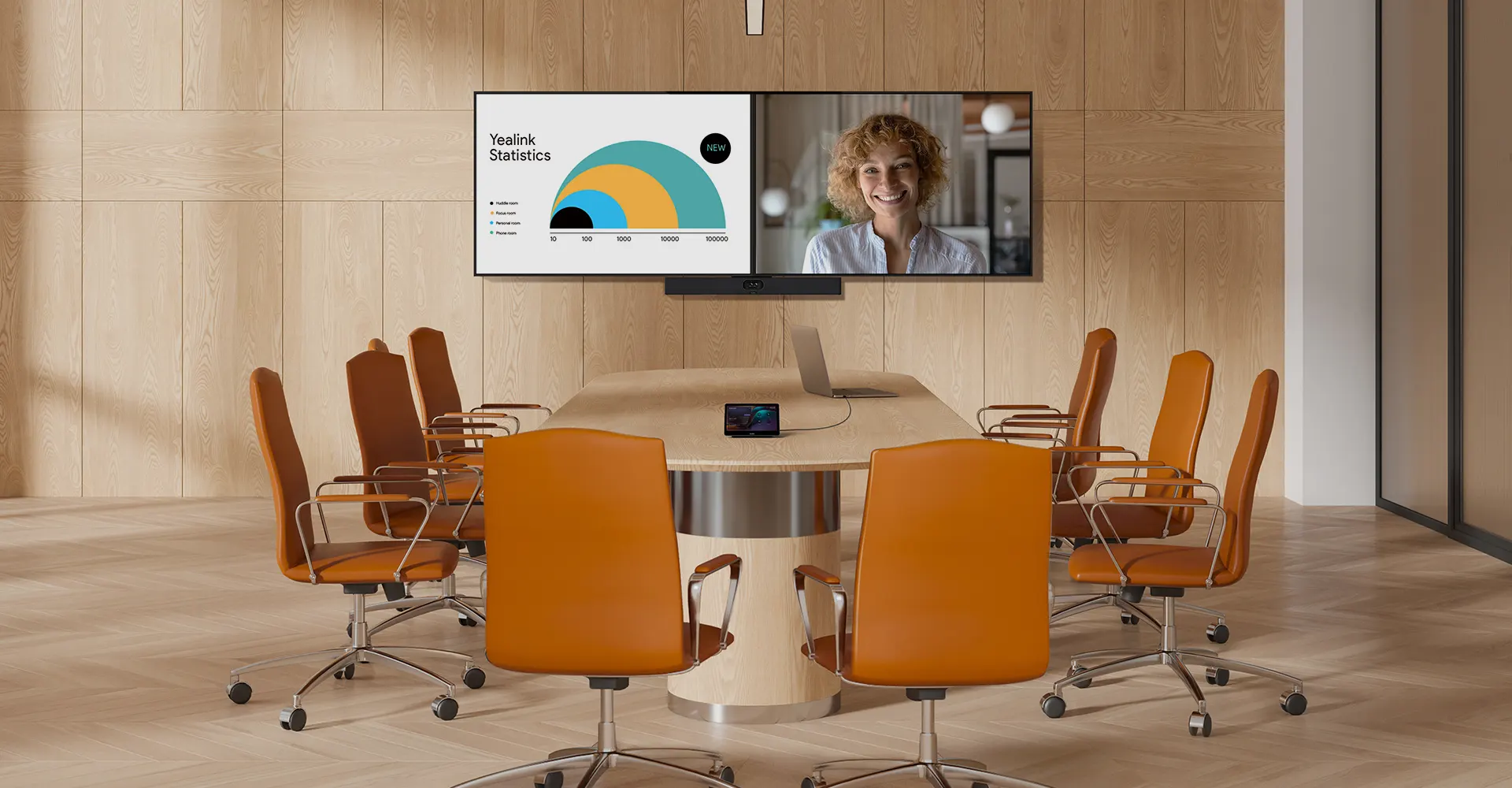
Discover SKYSOUND audio solutions for unparalleled sound clarity in your conference room. Enhance your meetings with advanced audio technology designed for medium-sized spaces.
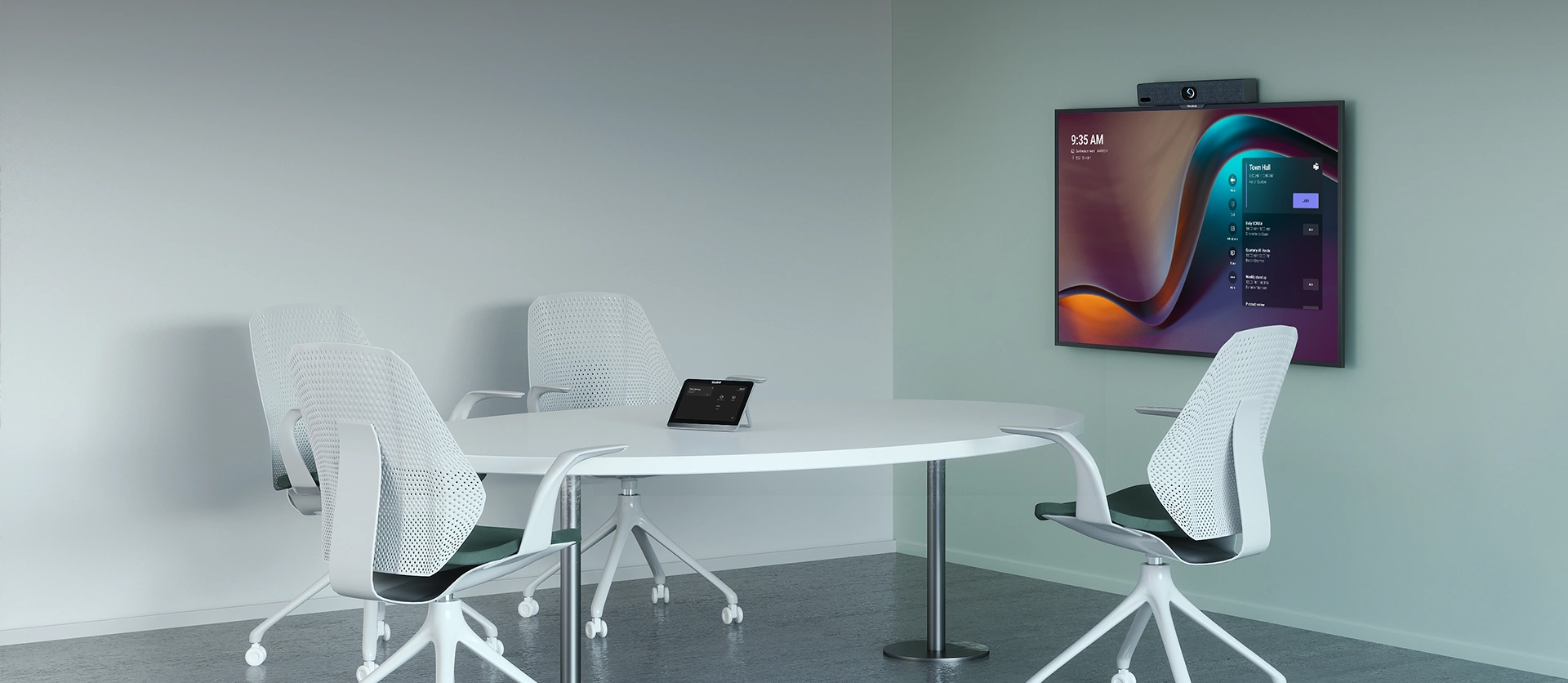
Explore Yealink’s customized conferencing solutions for small meeting spaces. Discover the ideal setup to enhance efficiency and collaboration.
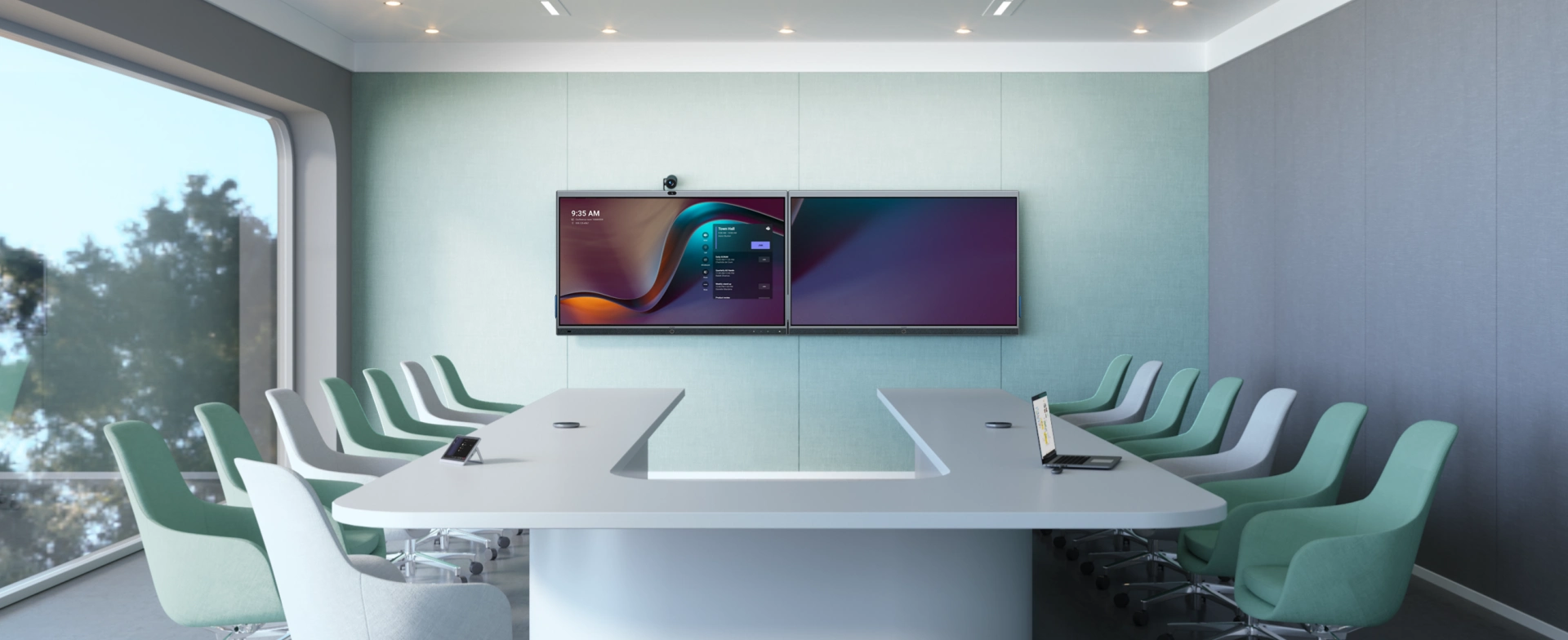
Explore Yealink’s customized conferencing solutions for large meeting spaces. Discover the ideal setup to enhance efficiency and collaboration.
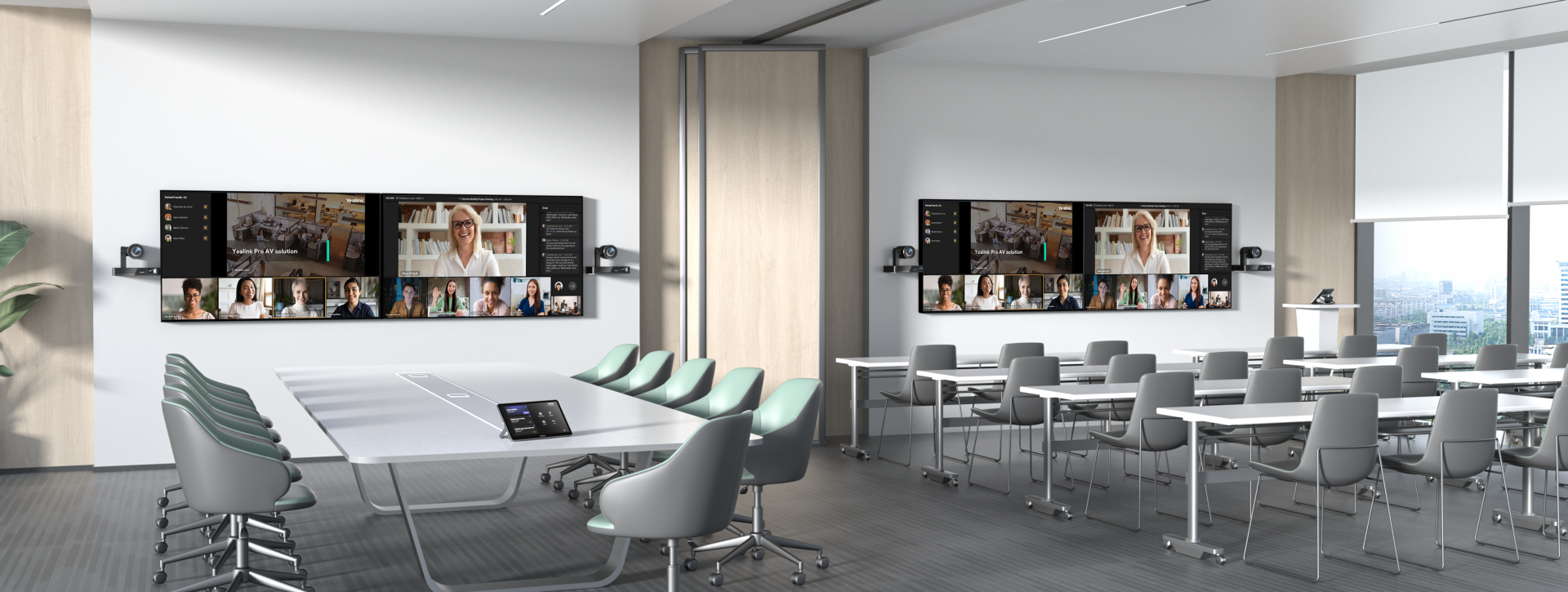
Explore Yealink’s customized conferencing solutions for extra-large meeting spaces. Discover the ideal setup to enhance efficiency and collaboration.

Professional Video Conferencing, Crystal-Clear Audio, AI-Powered Noise Cancellation, and Seamless Integration with Zoom & Microsoft Teams.
Yealink Conference Room Solution for Microsoft - Bringing Microsoft Teams Experience to Every Space
Let’s explore the importance of conference room speakers, their features, and how to choose the right solution for your needs.
This guide explores the best AV solutions for different room sizes, helping you find the perfect setup for your workspace.
Whether you need a compact solution for small focus rooms or a powerful system for medium to large conference rooms, Yealink has the perfect MeetingBar for your needs.
This guide explores key components of Conference Room AV Solutions and how Yealink’s industry-leading products can meet diverse meeting needs.
Whether you’re hosting a high-stakes client presentation or a quick internal brainstorm, the right meeting room can elevate productivity, build stronger connections, and ensure every voice is heard.
Whether you’re hosting a C-suite board meeting, engaging with global stakeholders, or presenting high-stakes strategies, a luxury conference room leaves a lasting impression.
Whether you’re hosting a C-suite board meeting, engaging with global stakeholders, or presenting high-stakes strategies, a luxury conference room leaves a lasting impression.
These devices offer an all-around view of the room, ideal for inclusive discussions, interactive training, and seamless remote communication—especially in roundtable, U-shape, or multi-participant setups.
When choosing a good digital whiteboard, evaluate factors such as screen size, touch technology, software integration, connectivity options, and overall durability.
An ultimate guide for the enterprise to choose the right conference camera and elevate the meeting experience in the hybrid working era.
Selecting the best video conference camera involves evaluating several key aspects to ensure high-quality, seamless meetings. Here are ten essential factors to consider.
A conference meeting room is a designated space in offices, institutions, or commercial environments designed to facilitate collaboration, discussions, and decision-making processes.
A conference speakerphone is a specialized communication device designed for use in conference rooms or meeting spaces, allowing multiple participants to join a call or video conference without being limited by proximity to a traditional phone or microphone.
Small meeting room is a compact, enclosed space designed to accommodate a limited number of participants, typically between 2 to 6 people. These rooms are often referred to as huddle rooms or focus rooms, providing a private and quiet setting for quick team discussions, brainstorming sessions, or virtual meetings.
Teams Copilot is a feature designed to enhance collaboration and productivity within Microsoft Teams. Here’s a summary of what Team Copilot typically involves:
All-In-One Video Conferencing Device
Easy to install and quickly deploy, it ensures seamless connectivity and integration, delivering exceptional value for efficient remote meetings.
Video Conferencing Bundled device Covering from Huddle to Medium Conference Room
Video Conferencing Bundled device Covering from Medium to Extra-Large Conference Room
Talk to an Expert
Still unsure which solution works best for your room setup?Our AV specialists will help you design a setup that just works.
💡 Free room assessment & deployment advice
💬 Personalized system recommendations
💰 Get a tailored quote based on your space
Share your details below — we’ll reach out shortly.