What Equipment Is Necessary for High-Quality Video Conferencing?
Below is a detailed breakdown of the essential equipment that ensures clarity, stability, and an engaging meeting experience.

Below is a detailed breakdown of the essential equipment that ensures clarity, stability, and an engaging meeting experience.
High-quality video conferencing depends on more than just a good internet connection. To deliver a professional, seamless meeting experience—whether for remote collaboration, hybrid work, or large-scale corporate communication—organizations need a combination of reliable hardware and intelligent software. Below is a detailed breakdown of the essential equipment that ensures clarity, stability, and an engaging meeting experience.
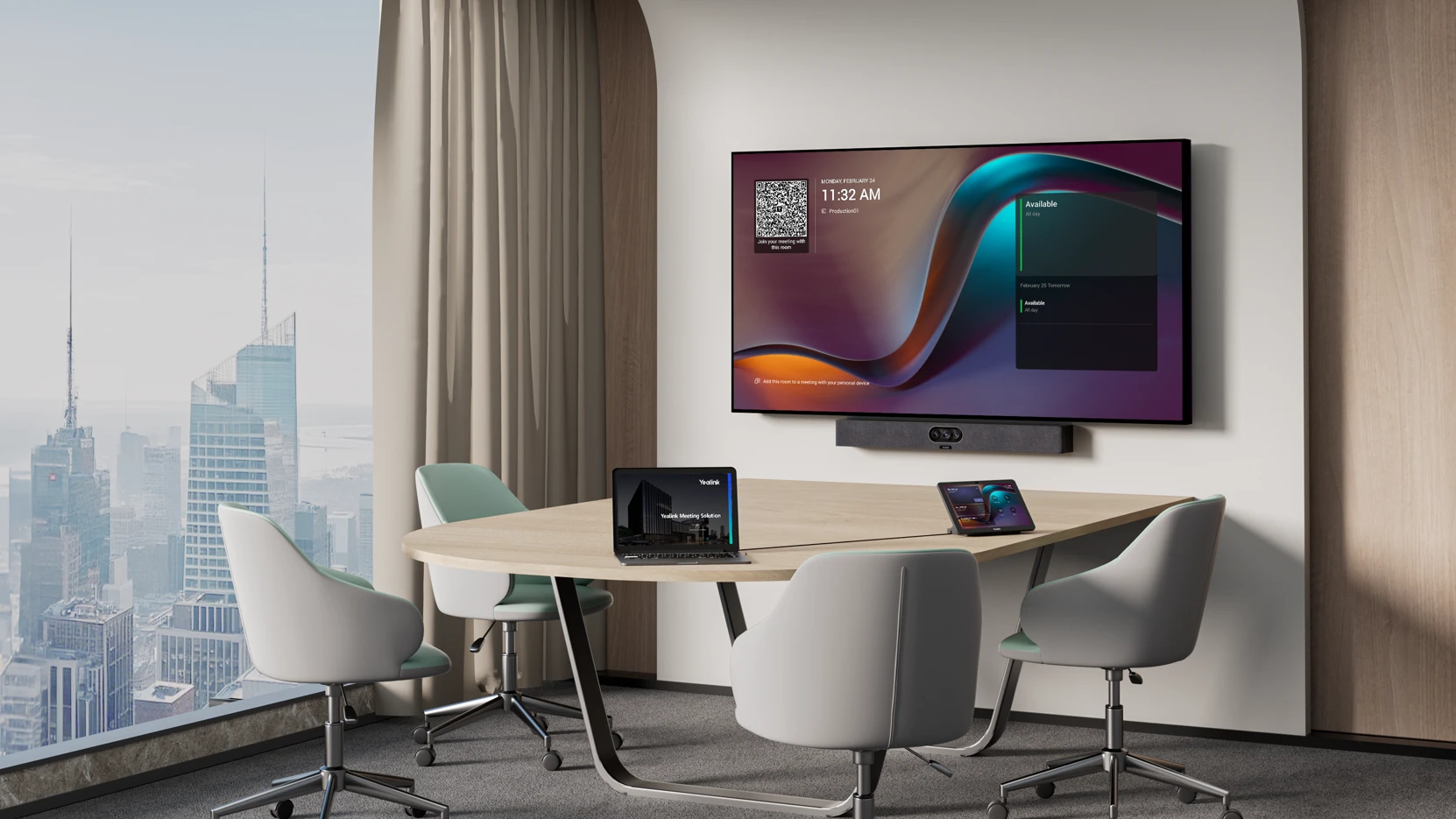
These compact rooms are ideal for team check-ins, project group discussions, small client proposals, and cross-department collaboration. Meetings typically last 30–60 minutes and require clear communication, quick content sharing, and a setup that works without technical delays.
Small rooms (15–30 ㎡) often feature hard surfaces such as painted walls or tiled floors that produce mild echo. Lighting usually comes from overhead fixtures, evenly distributed but not always bright enough, leaving some areas slightly dim.
Semi-open office pods lack full walls, making them more susceptible to surrounding conversations, phone rings, and general office noise.
Insufficient Camera Coverage
Narrow-angle cameras fail to capture all participants, especially those seated at the edges.
Uneven Audio Pickup
When several people speak from different positions, basic microphones struggle to capture voices clearly from every seat.
Echo and Ambient Noise
Reflective surfaces and open-office noise introduce audio interference.
Complex Meeting Setup
Switching between content sources or connecting multiple external devices leads to long startup times.
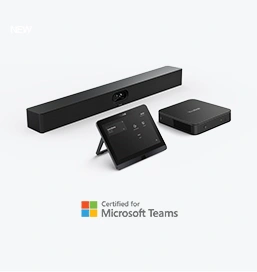
The MeetingBar A25 is purpose-built for this type of space, integrating camera, microphone, speaker, and computing into one device:
151° ultra-wide triple-camera system
Ensures full-table coverage and keeps all participants clearly in frame, including those at the edges.
8-MEMS beamforming microphone array
Delivers consistent 360° voice pickup with clear intelligibility.
AI-enhanced noise reduction
Filters keyboard noise, light echo, and ambient distractions common in semi-open environments.
Integrated high-fidelity speaker system
Provides clear voice reproduction without requiring external audio equipment.
The all-in-one design removes the need for multiple peripherals, reducing cable clutter and accelerating meeting readiness.
Runs on Android 13, ensuring long-term support and access to upcoming Yealink AI improvements—auto-framing, voice enhancement, noise cancellation, and more.
Fully compliant with Microsoft Teams and MTR on Android certification, enabling secure enterprise deployment.
Seamless pairing with the Yealink CTP25 Touch Panel, allowing one-touch meeting join, content sharing, and room control.
Yealink Wireless Presentation Pod
Enables instant content sharing without cables—ideal for teams that switch presenters frequently.
Yealink CTHD acoustic treatment recommendations
For semi-open areas, Yealink suggests combining the MeetingBar with simple acoustic partitions to reduce external interruptions (non-hardware recommendation, aligned to Yealink’s deployment guides).
Dual-Display Mode (via supported monitors)
The A25 supports dual-display output, allowing participants to view meeting video and shared content simultaneously.
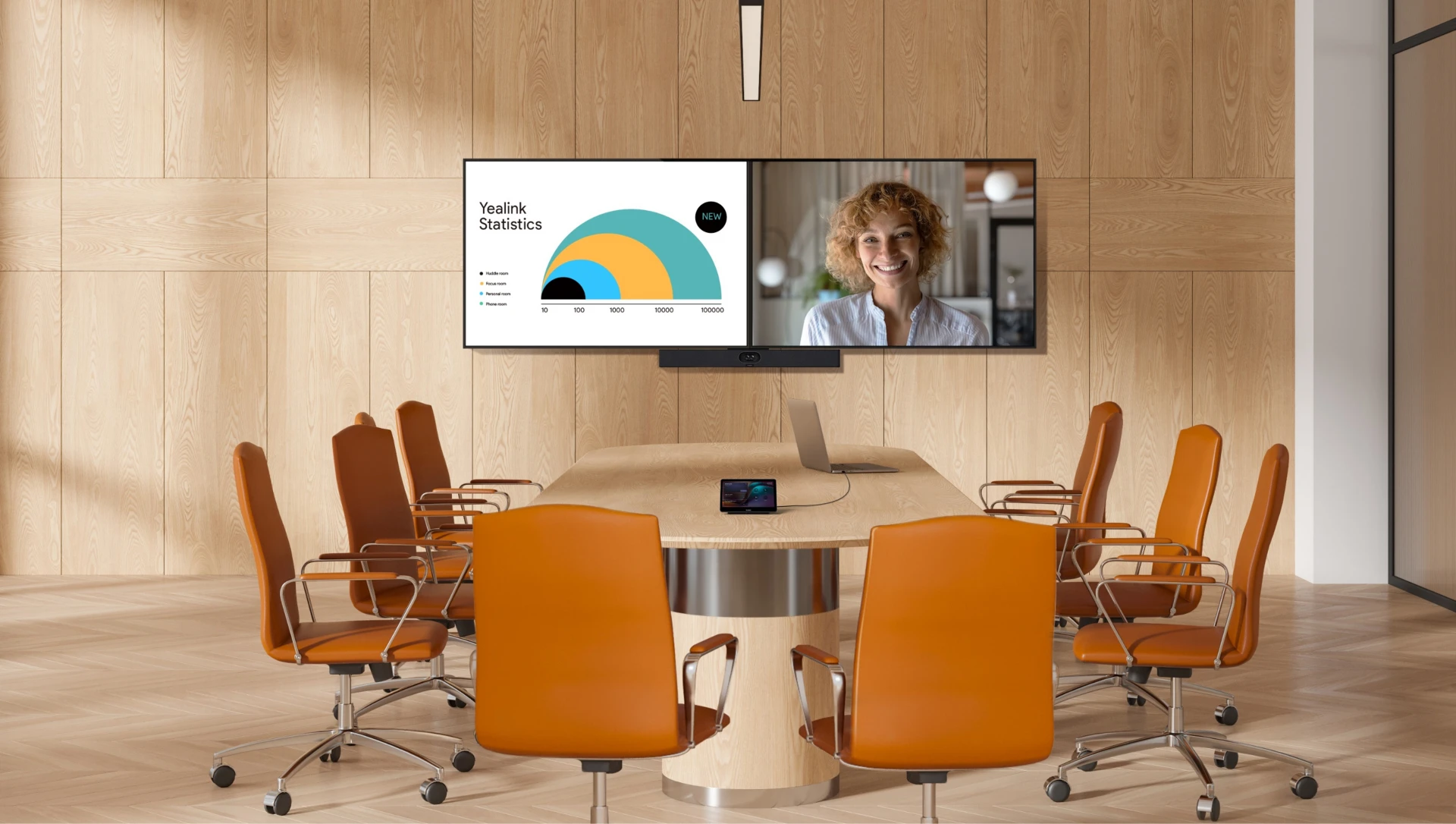
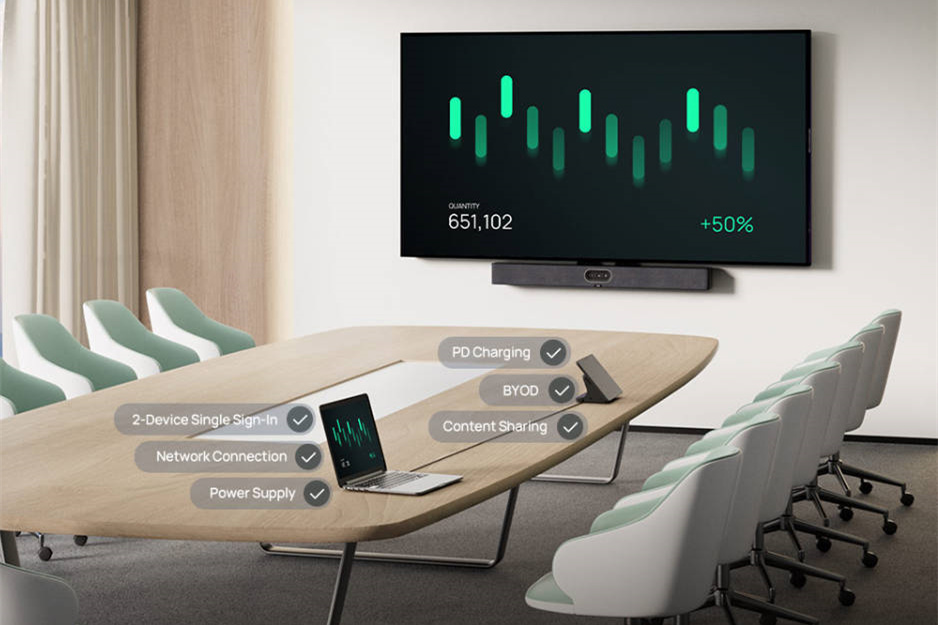
Medium-size conference rooms are frequently used for department-wide meetings, cross-functional project reviews, formal client presentations, and executive decision-making sessions. These meetings often involve multiple speakers, high-resolution content sharing, and discussions that last 60–90 minutes.
These rooms typically measure 30–60 ㎡ and feature a long table with participants seated at both ends and along the sides. The formal interior—white walls, ceiling panels, and wooden or tiled flooring—creates strong sound reflections, resulting in noticeable echo.
Lighting is uneven, with the central area usually brighter than the corners, and attendees sitting with windows behind them are prone to backlighting issues.
Because multiple devices connect simultaneously (conference system, displays, personal laptops), the network load is significantly higher than in smaller spaces.
Weak Voice Pickup at Long Distances
Participants at the far ends of long tables are often not captured clearly by standard microphones.
Uneven Lighting and Poor Image Quality
Bright–dark contrast makes it difficult for remote participants to see facial expressions, especially from dim corners.
Echo and Ambient Noise
Hard surfaces amplify reflections, and background sounds such as HVAC noise or hallway traffic reduce audio clarity.
Network Congestion
Heavy bandwidth usage may cause delays in content sharing, blurry video, and overall meeting disruption.
Complex Deployment
Multiple devices and cables require manual setup and pre-meeting adjustments, consuming valuable meeting time.
The MeetingBar A50 is engineered for medium and high-end conference rooms, delivering superior audio and video powered by Yealink’s advanced AI technologies.
Key capabilities include:
Ultra-clear video performance with intelligent focus that automatically frames active speakers
AI-based video fence to eliminate irrelevant areas from the frame and maintain visual consistency
Full-duplex audio allowing multiple participants to speak naturally without interruptions
Refined audio processing for clarity across the entire room
With the A50, organizations achieve a clean, professional setup without needing separate cameras, speakers, or processors.
Fully aligned with Microsoft MDEP security standards, enhancing data protection, encryption, and enterprise deployment efficiency
CTP25 Touch Panel support for fast, simplified meeting control and one-touch sign-in
Seamless compatibility with Microsoft Teams Rooms (MTR)
Available in both Android and Windows options
In MTR-for-Windows environments, the corresponding solution is Yealink MVC S50, which supports up to three additional extension microphones—ideal for ensuring pickup from both ends of a long table
This flexibility allows companies to choose the preferred OS while maintaining consistent Yealink user experience.
To optimize audiovisual quality and participant comfort, Yealink recommends:
Additional lighting support (neutral suggestion)
Position fill lights in room corners to correct uneven brightness and prevent backlighting.
Dual 4K display configuration
The A50 and MVC S50 support dual-display output, enabling simultaneous viewing of remote participants and shared content.
Improved room acoustics
Add sound-absorbing panels or carpeting following Yealink’s room acoustics guidelines to reduce echo and enhance voice clarity.
Environmental adjustments
For rooms with strong HVAC noise, adjusting airflow direction or applying minor room modifications can significantly improve audio pickup.
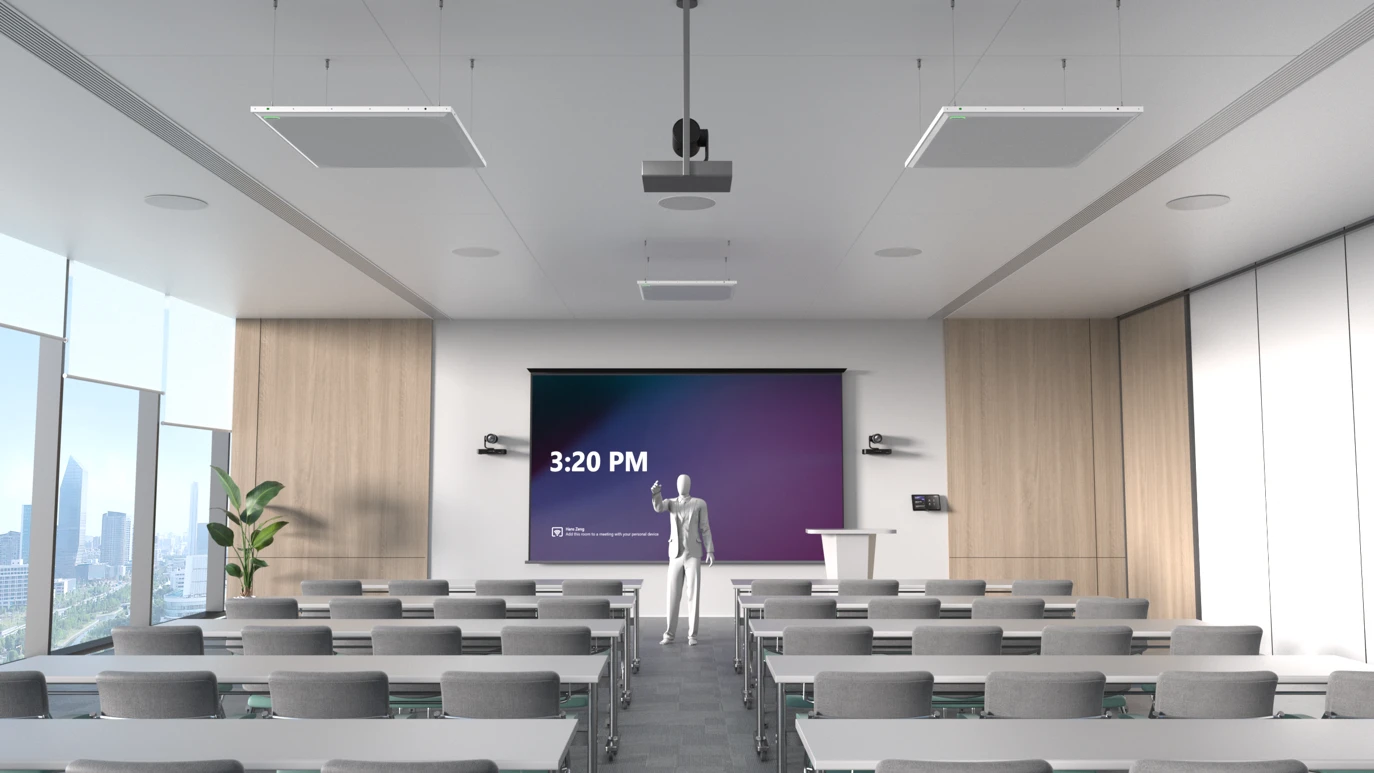
All-hands meetings, project kick-offs, cross-region workshops, industry presentations. Meetings often last 90–120 minutes and require multi-speaker support, large-area coverage, intelligent management, and sometimes recording.
Room size: 60–100 ㎡, participants dispersed (seated front/back, standing, extra chairs).
Layout may be tiered or open-plan; distances can exceed 10 meters.
Complex acoustics with echo and multiple noise sources.
High lighting demands for video, presentation, and reading.
Multiple devices and network load are significant.
Wide participant distribution exceeds standard camera and microphone coverage.
Multi-speaker switching delays remote participants’ view.
Echo and environmental noise (footsteps, chairs) reduce call quality.
Complex device setup and compatibility issues.
Large file sharing or HD video streaming may encounter network lag.
Lack of intelligent management for room occupancy and device status.
Option 1: MVC S50-C5U (MTR Solution)
Components: MCore 4 mini PC, MTouch Plus touch panel, MeetingBar A50, RoomSensor.
Features: AI-driven audio/video, auto-tracking of speakers, intuitive touch operation, room occupancy and environment monitoring, wired/wireless content sharing, remote management.
Option 2: MVC S80-C5U (MTR Solution)
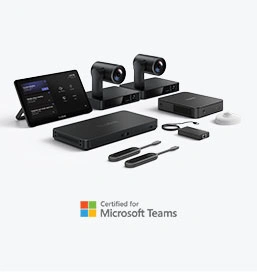
Components: MCore 4, MTouch Plus, SmartVision 80 four-camera system, RoomSensor.
Features: Full-room coverage, including back rows and corners, detailed facial tracking, multi-angle capture, supports the same MTR benefits as MVC S50-C5U.
Optional Enhancements:
Extension microphones every 3–5 meters.
4–6 fill lights for uniform illumination.
Acoustic treatments on walls and ceilings.
High-speed wired network backbone with dual-line redundancy.
Optional Yealink Meeting Recorder for synchronized audio/video recording.
Large-scale training, industry summits, product launches, cross-region seminars, corporate live-streamed events. Meetings last 120–180 minutes, requiring multi-camera switching, high-definition live streaming, audience interaction, and robust system stability.
Room size: 100+ ㎡, tiered or auditorium-style, 50–200 participants.
Wide participant distribution (front/back ~15 m+, lateral span large).
Multi-purpose usage: main speakers, breakout rooms, online live audience.
Challenging acoustics, stage and audience lighting, large equipment count.
Single cameras cannot cover all areas; multi-camera coordination needed.
Multiple simultaneous speakers require precise audio pickup.
Live streaming demands low-latency and stable audio/video (<1s delay).
High device count increases cabling and compatibility complexity.
Flexible content layout switching required.
BYOD attendees must connect seamlessly.
Option 1: MVC S90-C5U (MTR Solution)
Components: MCore 4, MTouch Plus, dual UVC86 4K cameras, AVHub audio/video processor, RoomSensor, MVC-BYOD Extender.
Features: AI auto-tracking, 12× optical zoom, up to 9 cameras supported, BYOD integration, touch panel control, recording-ready, seamless streaming.
Option 2: MVC S98-C5U (MTR Solution)
Components: MCore 4, MTouch Plus, three SmartVision 80 four-camera units, AVHub, PoE+ switch, RoomSensor, MVC-BYOD Extender.
Features: Full 360° room coverage including corners and tiered seating, multi-angle capture for speakers, audience, and shared content; ideal for high-detail recording, live streaming, and training events.
Optional Enhancements:
Acoustic treatments on walls, ceilings, and floors.
Professional stage lighting with multiple layers (key, fill, contour, background).
2–3 extra 85”+ displays for participant visibility.
10G fiber network with dual-line redundancy and load balancing.
UPS backup for core devices to ensure uninterrupted operation.
Cross-region team collaboration, branch sync meetings, remote project reviews, multi-campus training or seminars.
Meetings typically last 60–90 minutes.
Participants are distributed across different cities or regions.
Requires real-time multi-site interaction and synchronized content sharing.
Multiple sites across cities or provinces, each with different room types (small offices, medium/large meeting rooms).
Network quality varies (headquarters may have ample bandwidth; branches may have limited bandwidth).
Different device brands/models may exist across sites, raising compatibility risks.
Critical to maintain synchronized audio and video across all locations.
Cross-region network latency causes AV desynchronization (1–3 seconds delay).
Some branch devices are outdated and incompatible with headquarters’ equipment.
Environmental issues (noise, poor lighting) at branches reduce overall meeting quality.
Multiple participants speaking simultaneously across sites can cause confusion.
Document sharing may be slow or fail at branches with limited bandwidth.
Core Devices:
Standardize equipment across all sites with Yealink MeetingBar series:
Small branches: MeetingBar A25
Medium branches: MeetingBar A50
Large branches: MVC S50 / S80
Devices support H.265/HEVC encoding, enabling HD calls with only 512 kbps bandwidth.
High network loss tolerance (up to 30%) ensures stable connections even with limited bandwidth.
Collaboration Platform:
Use Microsoft Teams Rooms (MTR) or Zoom Rooms for unified device scheduling.
Features include:
One-click join and synchronized multi-site video switching.
“Echo suppression” and “Noise cancellation” for clearer audio.
“Speaker priority” mode to avoid multi-site speaking conflicts.
Pre-Meeting Preparation:
Train branch staff on device and platform operations.
Conduct a 15-minute multi-site rehearsal to verify audio/video connectivity and document sharing.
Assign a technical lead at each site for rapid troubleshooting during the meeting.
Tips:This article is for reference only. Please visit the Yealink product details page to learn more about products and application scenarios, or contact us for further assistance.
Discover Yealink Teams Rooms Devices for seamless Microsoft Teams collaboration with premium audio and video solutions.
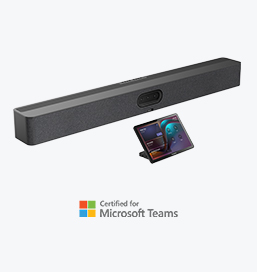
Big Impact for Bigger Spaces - All-in-one video bar for medium to large rooms

Discover the all-in-one video conferencing device with an interactive whiteboard, designed for seamless collaboration in Microsoft Teams Rooms.
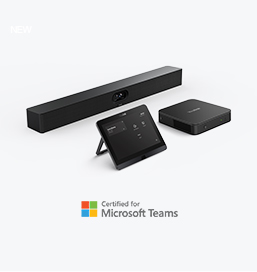
Discover high-performance, cost-effective video conferencing systems tailored for small to medium-sized rooms, ensuring seamless communication and collaboration.
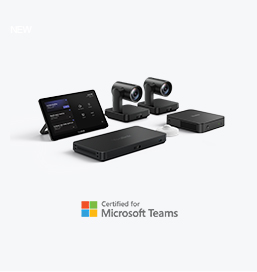
Video Conferencing System For Pro-AV Rooms.
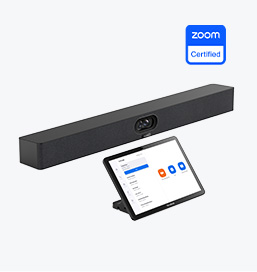
Explore Yealink’s Zoom Rooms devices for seamless, high-quality video conferencing solutions.
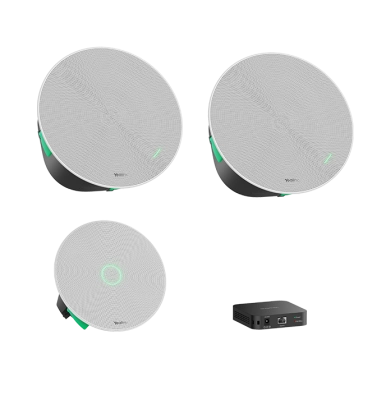
Yealink's room audio devices, offering crystal-clear sound for an immersive video conferencing experience.
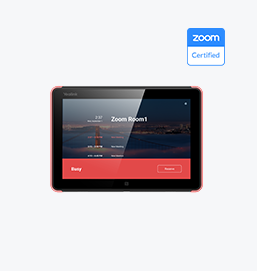
Intelligent Solutions for Smarter, More Efficient Meeting Spaces.
Experience the all-in-one video bar designed for premium small to medium rooms, optimized for Microsoft Teams Rooms on Android.
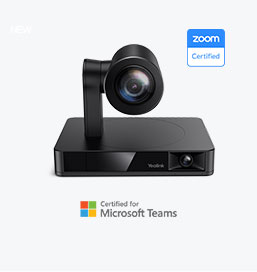
Simple and flexible video conferencing camera solutions for any workspace or meeting setup.

Empowering Businesses with Yealink Video Device Solutions for Microsoft Teams.

From huddle spaces to extra-large meeting rooms, enjoy seamless audio and video powered by AI,easy-to-manage package.

Professional Meetings Made Easy with MeetingBar Series,All Rooms Plug-and-Play.
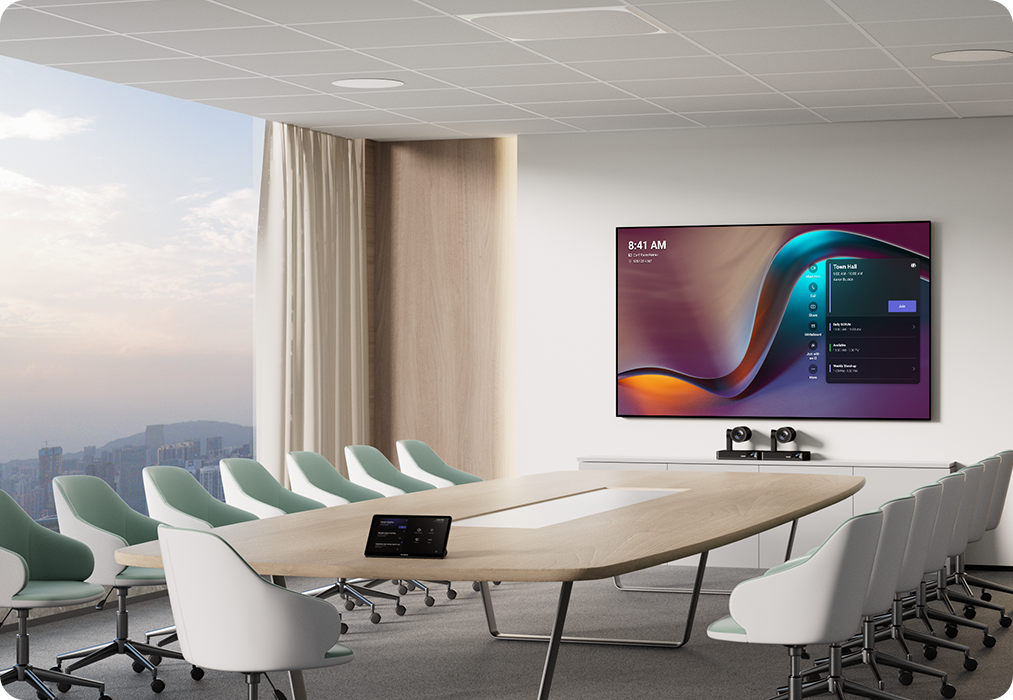
Yealink Next-Gen Hybrid Meeting Style - Any Space, Any Discussion.
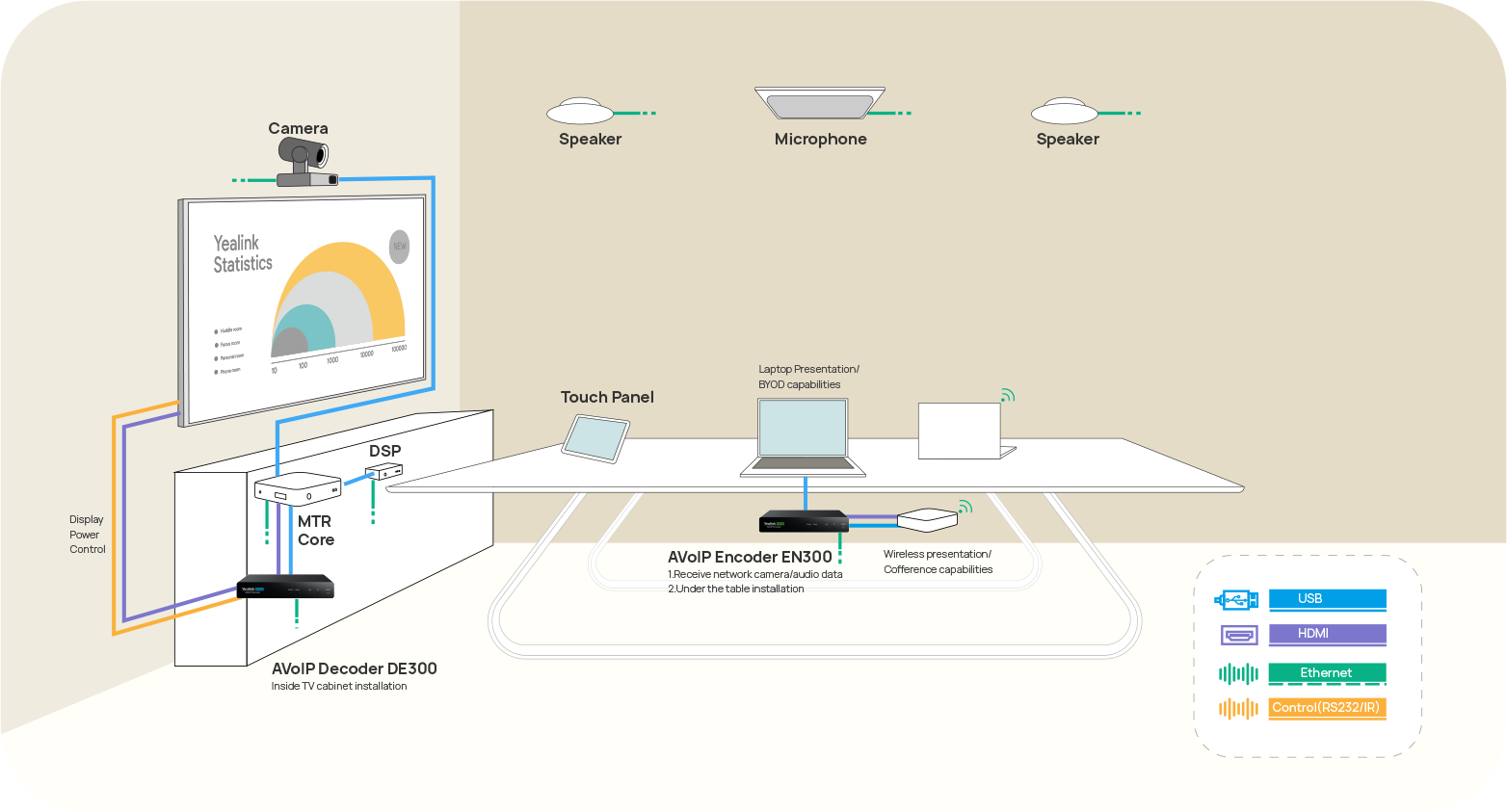
Building an AV system shouldn’t feel like solving a puzzle — but for many, it still does. Microphones, DSPs, cameras, control panels — often from different vendors..

Yealink Video Solutions for Zoom Rooms cover every scenario you need for video meetings, such as small, medium, and large meeting rooms.
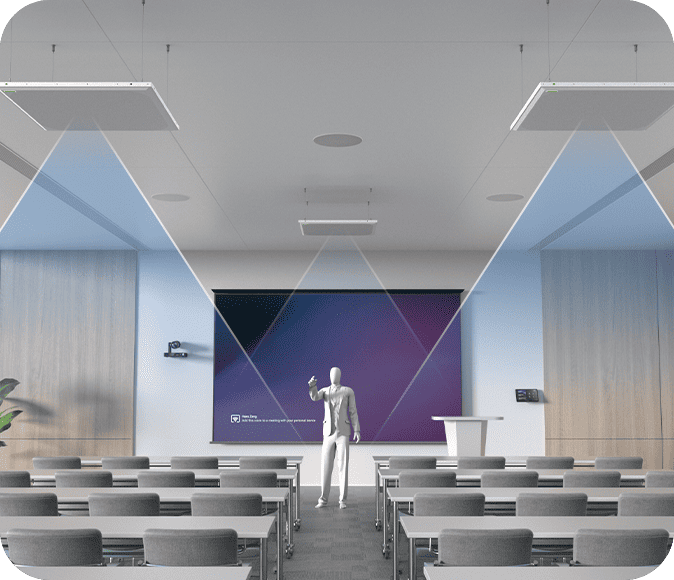
Discover SKYSOUND audio solutions for unparalleled sound clarity in your conference room. Enhance your meetings with advanced audio technology designed for medium-sized spaces.
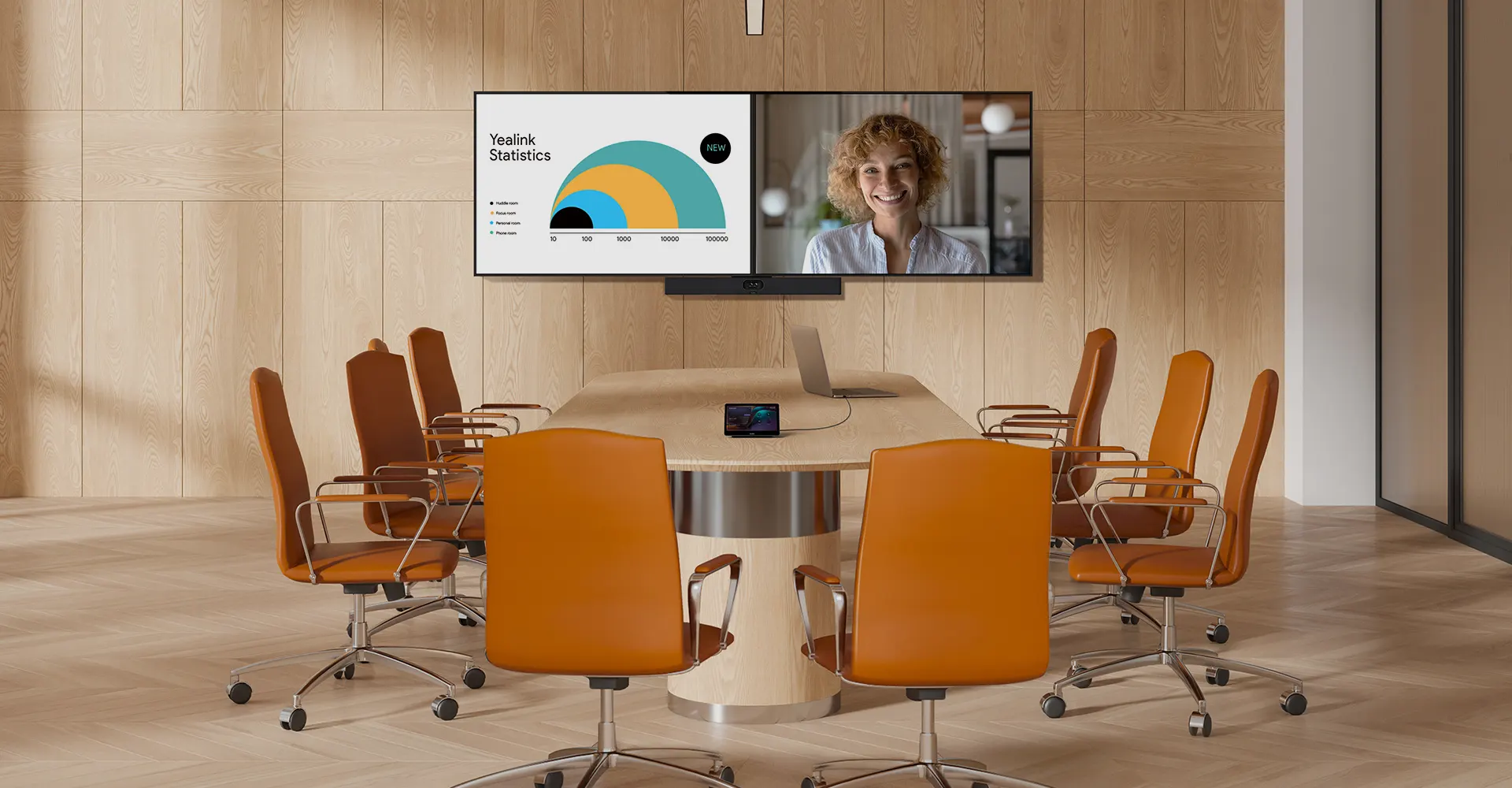
Discover SKYSOUND audio solutions for unparalleled sound clarity in your conference room. Enhance your meetings with advanced audio technology designed for medium-sized spaces.
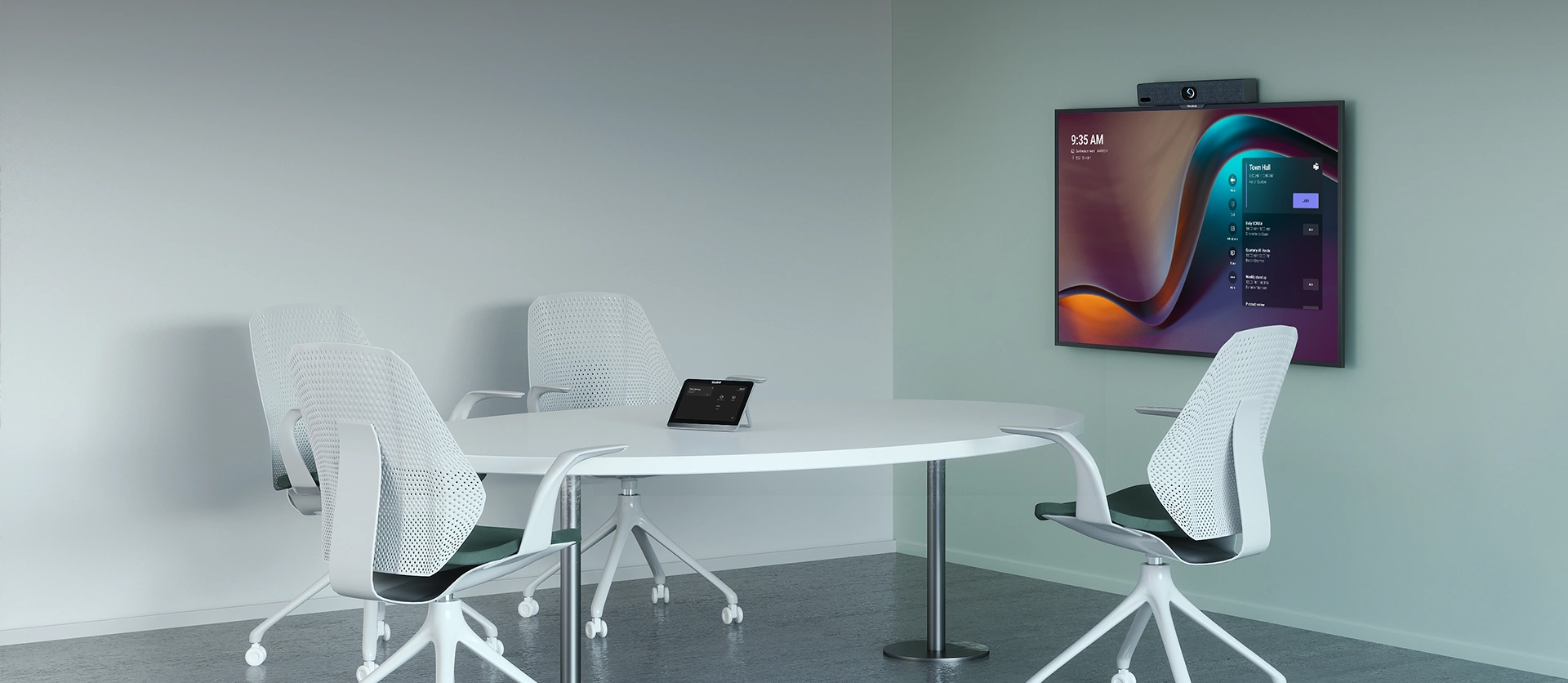
Explore Yealink’s customized conferencing solutions for small meeting spaces. Discover the ideal setup to enhance efficiency and collaboration.
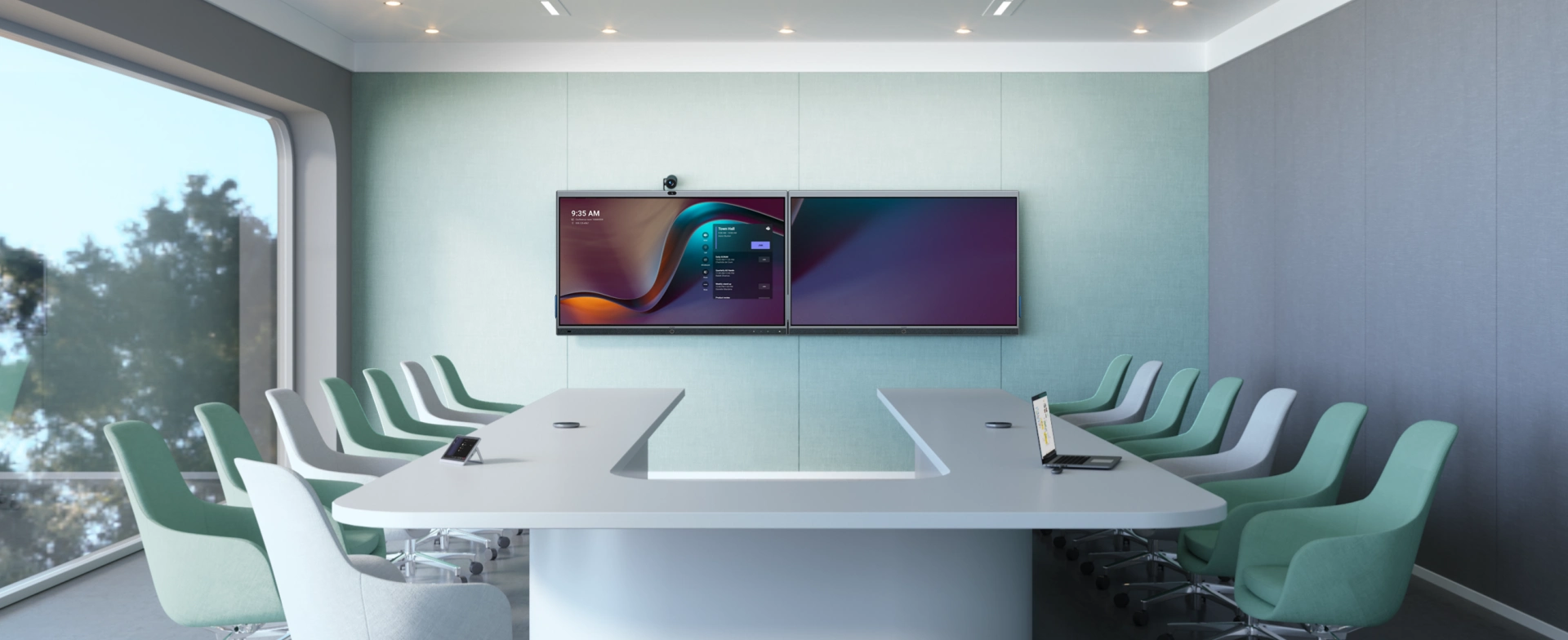
Explore Yealink’s customized conferencing solutions for large meeting spaces. Discover the ideal setup to enhance efficiency and collaboration.
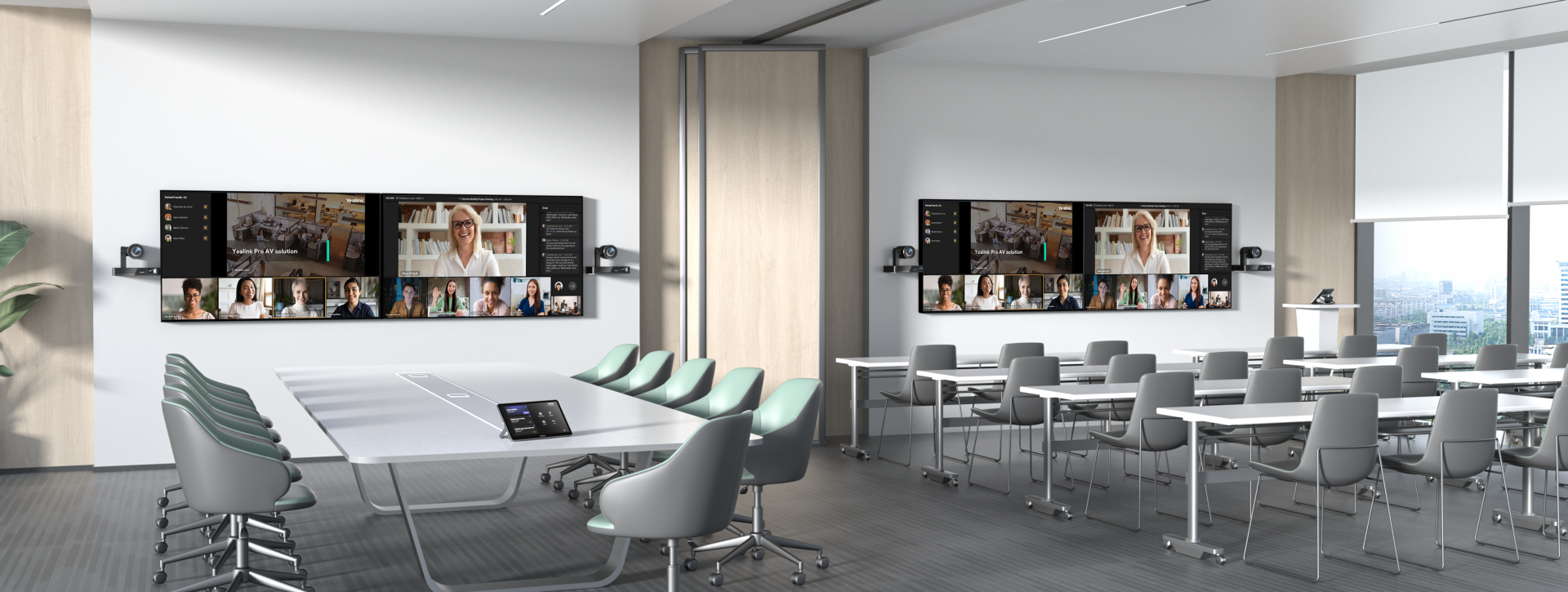
Explore Yealink’s customized conferencing solutions for extra-large meeting spaces. Discover the ideal setup to enhance efficiency and collaboration.

Professional Video Conferencing, Crystal-Clear Audio, AI-Powered Noise Cancellation, and Seamless Integration with Zoom & Microsoft Teams.
Yealink Conference Room Solution for Microsoft - Bringing Microsoft Teams Experience to Every Space
Let’s explore the importance of conference room speakers, their features, and how to choose the right solution for your needs.
This guide explores the best AV solutions for different room sizes, helping you find the perfect setup for your workspace.
Whether you need a compact solution for small focus rooms or a powerful system for medium to large conference rooms, Yealink has the perfect MeetingBar for your needs.
This guide explores key components of Conference Room AV Solutions and how Yealink’s industry-leading products can meet diverse meeting needs.
Whether you’re hosting a high-stakes client presentation or a quick internal brainstorm, the right meeting room can elevate productivity, build stronger connections, and ensure every voice is heard.
Whether you’re hosting a C-suite board meeting, engaging with global stakeholders, or presenting high-stakes strategies, a luxury conference room leaves a lasting impression.
Whether you’re hosting a C-suite board meeting, engaging with global stakeholders, or presenting high-stakes strategies, a luxury conference room leaves a lasting impression.
These devices offer an all-around view of the room, ideal for inclusive discussions, interactive training, and seamless remote communication—especially in roundtable, U-shape, or multi-participant setups.
When choosing a good digital whiteboard, evaluate factors such as screen size, touch technology, software integration, connectivity options, and overall durability.
An ultimate guide for the enterprise to choose the right conference camera and elevate the meeting experience in the hybrid working era.
Selecting the best video conference camera involves evaluating several key aspects to ensure high-quality, seamless meetings. Here are ten essential factors to consider.
A conference meeting room is a designated space in offices, institutions, or commercial environments designed to facilitate collaboration, discussions, and decision-making processes.
A conference speakerphone is a specialized communication device designed for use in conference rooms or meeting spaces, allowing multiple participants to join a call or video conference without being limited by proximity to a traditional phone or microphone.
Small meeting room is a compact, enclosed space designed to accommodate a limited number of participants, typically between 2 to 6 people. These rooms are often referred to as huddle rooms or focus rooms, providing a private and quiet setting for quick team discussions, brainstorming sessions, or virtual meetings.
Teams Copilot is a feature designed to enhance collaboration and productivity within Microsoft Teams. Here’s a summary of what Team Copilot typically involves:
All-In-One Video Conferencing Device
Easy to install and quickly deploy, it ensures seamless connectivity and integration, delivering exceptional value for efficient remote meetings.
Video Conferencing Bundled device Covering from Huddle to Medium Conference Room
Video Conferencing Bundled device Covering from Medium to Extra-Large Conference Room
How Can We Help You?
Not sure how it fits into your environment? Our AV specialists are here to help.
👉 Get deployment advice for your conference room and system.
👉 Need a quote? Request a custom pricing.
Please fill in and submit the information below and our representative will contact you soon.