Yealink MVC S50: Empowering Medium to Large Conference Rooms with Intelligent Video Conferencing

The Yealink MVC S50, a Microsoft Teams Rooms video conferencing solution, integrates AI-powered cameras, high-definition audio, wireless and wired content sharing, and more. It dramatically improves meeting efficiency while reducing deployment and maintenance costs.

Video Conferencing System
MVC S50
Microsoft Teams Room System
October 10, 2025 | 12 minutes

Yealink S50 Video Conferencing Solution for medium to large meeting rooms

1. Introduction

1.1 Background and Significance

In modern workplaces, video conferencing has become a core tool for collaboration and decision-making. For medium to large conference rooms, which host more participants and feature complex layouts, the requirements for efficiency and collaboration experience are significantly higher. The Yealink MVC S50, a Microsoft Teams Rooms video conferencing solution, integrates AI-powered cameras, high-definition audio, wireless and wired content sharing, and more. It dramatically improves meeting efficiency while reducing deployment and maintenance costs.

1.2 Global Research Status

Globally, video conferencing systems are highly mature, with vendors like Cisco, yealinkPoly, and Logitech offering advan ced solutions. However, differences remain in AI speaker tracking, intelligent content sharing, and native Teams integration. Domestic solutions often lack integrated AI capabilities for large spaces. Yealink MVC S50 fills this gap with innovations in intelligent collaboration, hardware integration, and seamless Teams experience.

1.3 Research Methods and Innovations

This study employs literature review, case analysis, and competitive benchmarking to explore the MVC S50’s system architecture, technical strengths, and real-world applications. Its innovation lies in a multi-dimensional analysis across audio/video technology, AI algorithms, network optimization, and practical deployment scenarios.

2. Yealink MVC S50 Technical Foundation

2.1 Overview of Yealink MVC S50

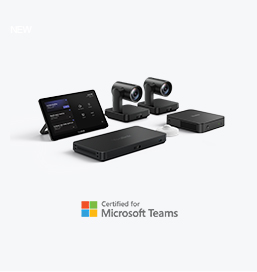
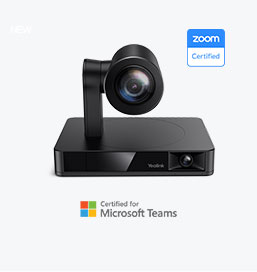
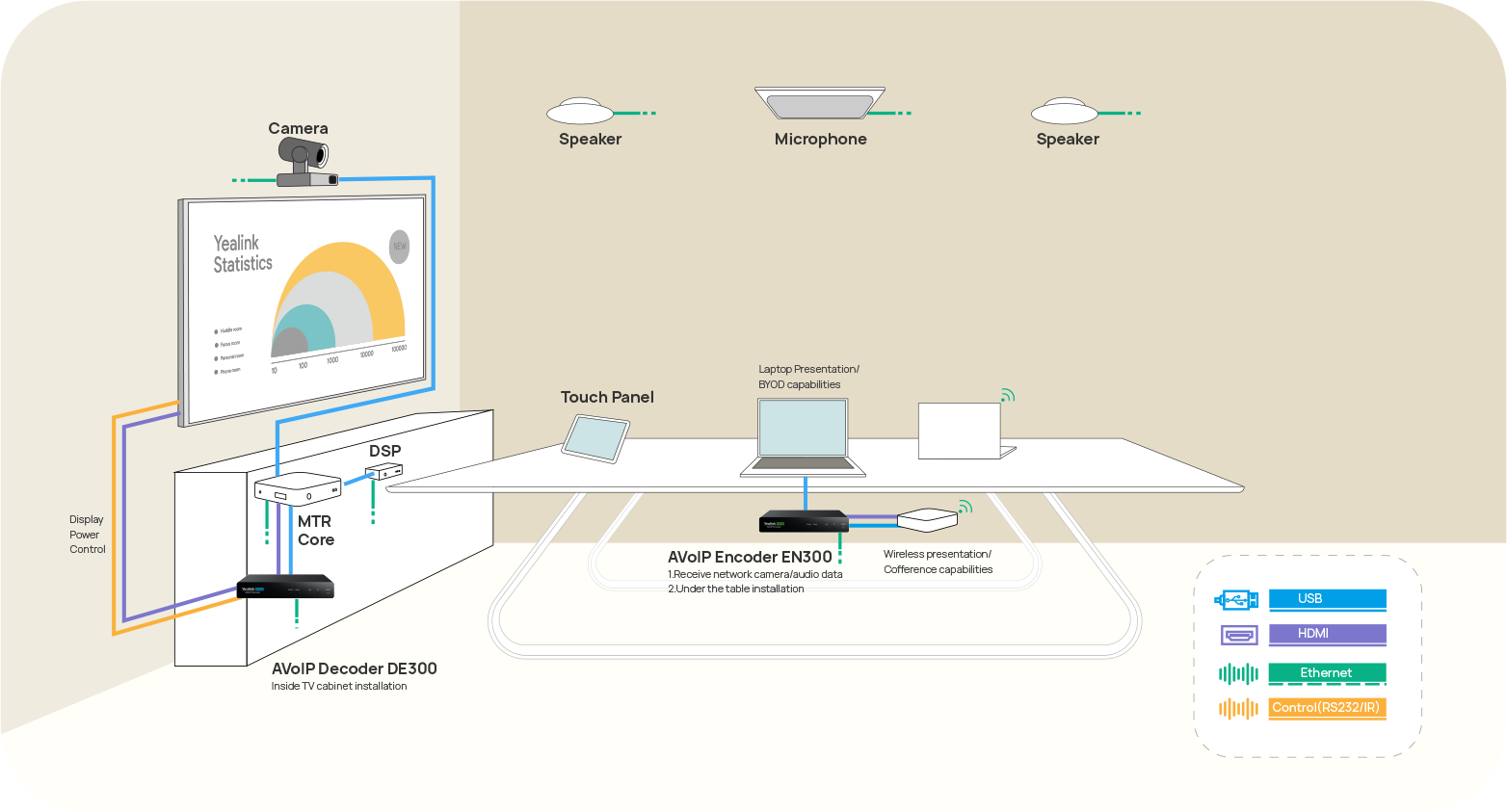
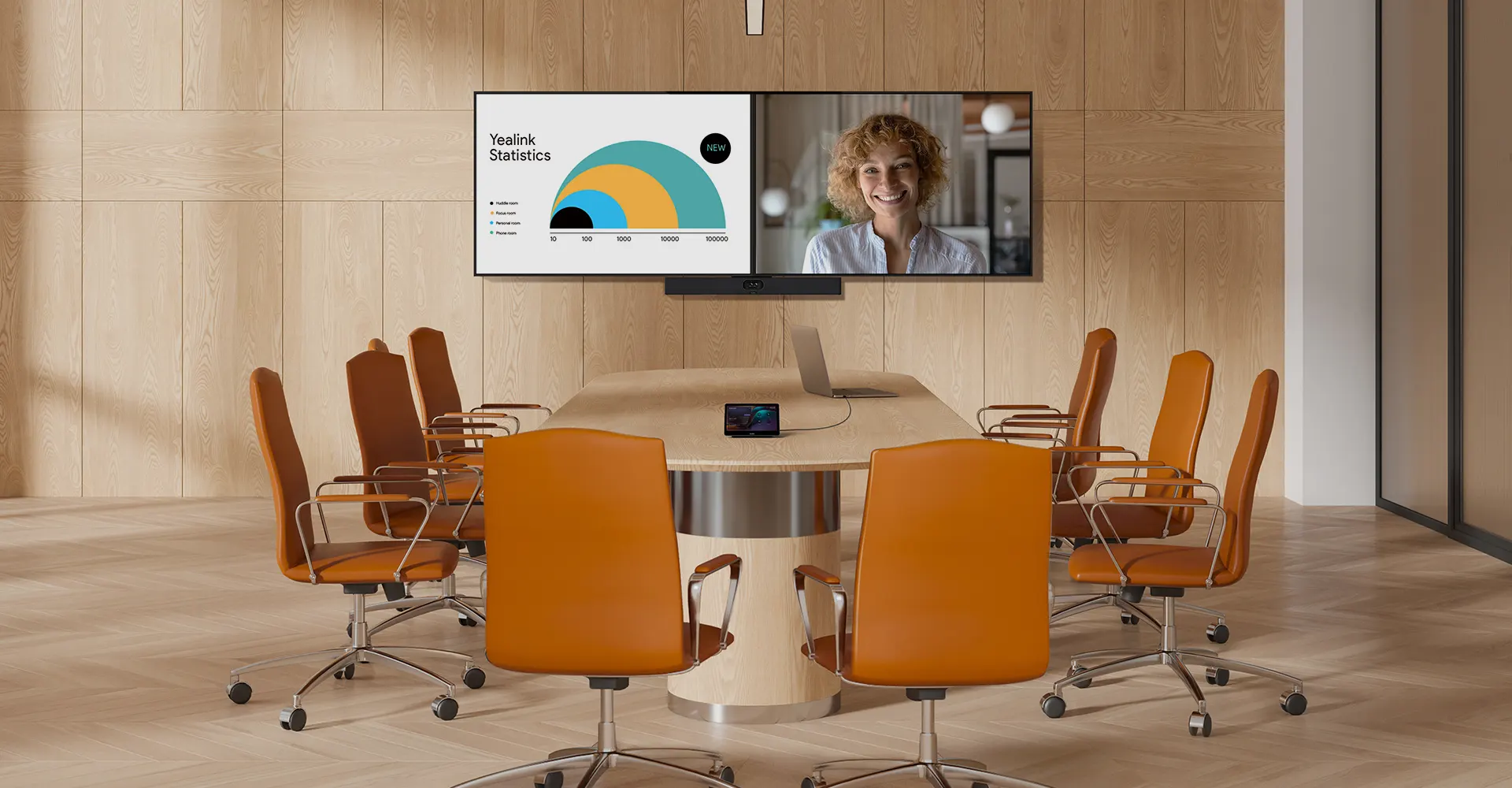
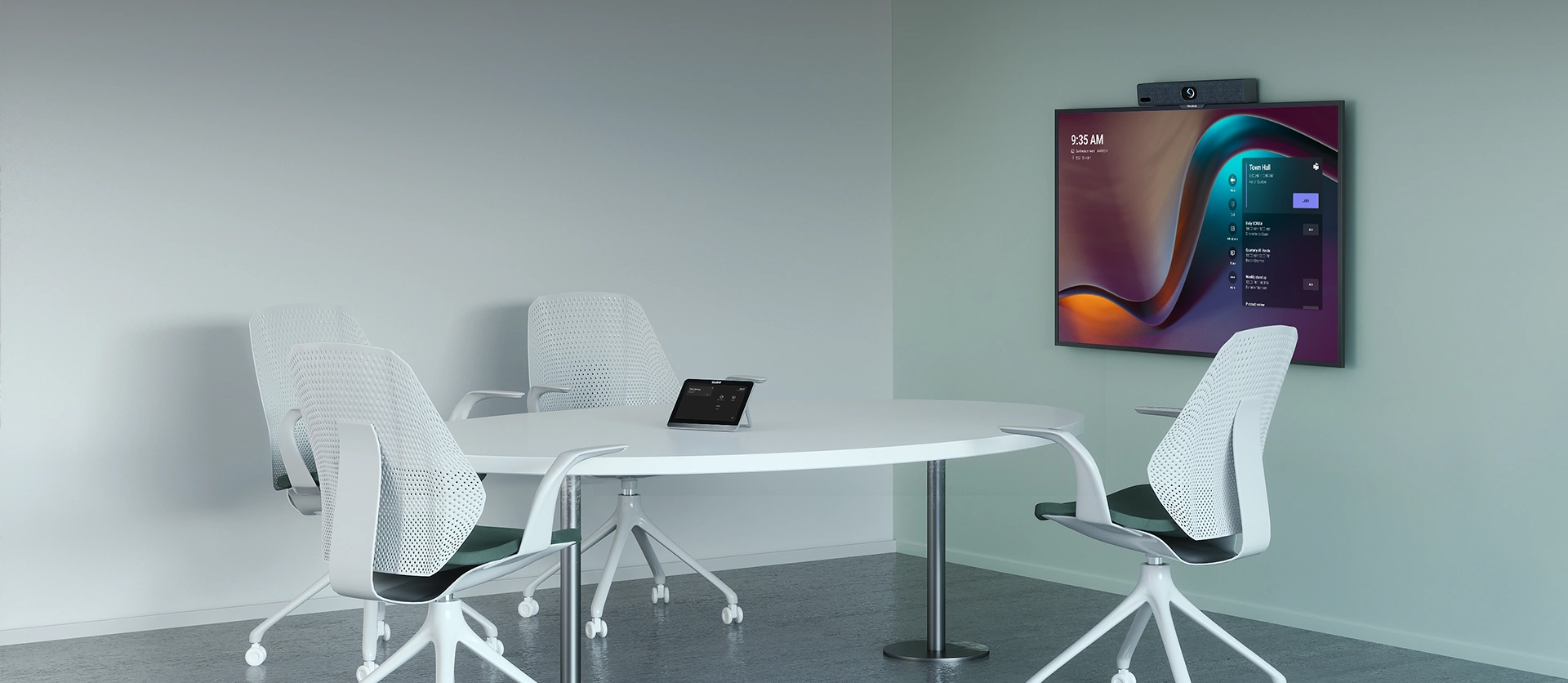
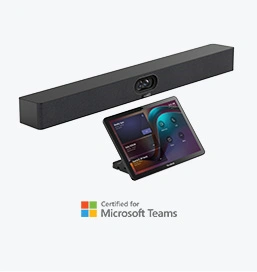
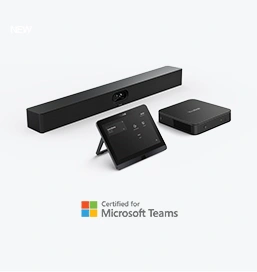
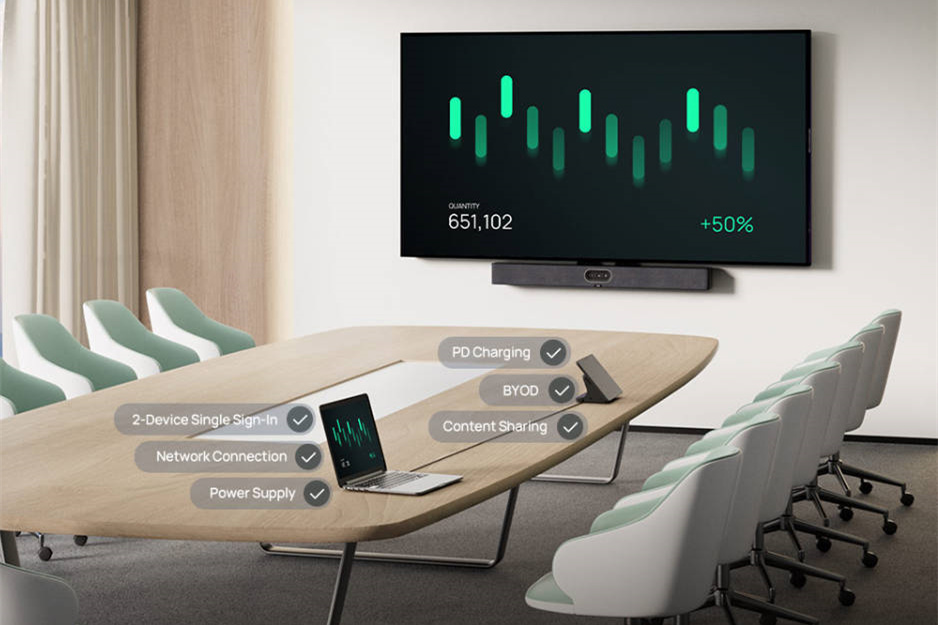
The MVC S50 bundle consists of MeetingBar A50, MCore 4, MTouch Plus, and RoomSensor, designed for medium to large conference rooms accommodating 10–20 participants. It integrates camera, audio, touch control, and sensor technologies to deliver intelligent operation and seamless collaboration. Native Microsoft Teams interface ensures familiarity and minimal training effort.

2.2 Key Technology Analysis

2.2.1 Audio and Video Codec Technology

The MeetingBar A50 features a triple-camera system (50MP: wide-angle + dual telephoto) combined with H.264 video and Opus audio codecs, delivering ultra-HD image quality and high-fidelity sound. AI functionalities like IntelliFocus, Video Fence, and Auto Framing automatically detect and frame active speakers, providing remote participants with an intuitive and interactive experience.

2.2.2 Network Transmission Optimization

MVC S50 incorporates adaptive network algorithms and QoS mechanisms to dynamically adjust bitrates and frame rates, maintaining synchronized audio-video streams even under fluctuating bandwidth, ensuring stable and smooth conferencing.

2.2.3 Intelligent Collaboration and Interaction

The system supports both wireless and wired content sharing, including 1080p/30fps wireless projection and 4K HDMI-In input. MTouch Plus offers touch-based control for one-click meetings, camera adjustment, and content sharing. RoomSensor automatically wakes up the system when participants enter, creating a frictionless meeting experience.

3. Video Conferencing Needs and Challenges in Medium to Large Rooms

3.1 Characteristics of Medium to Large Conference Rooms

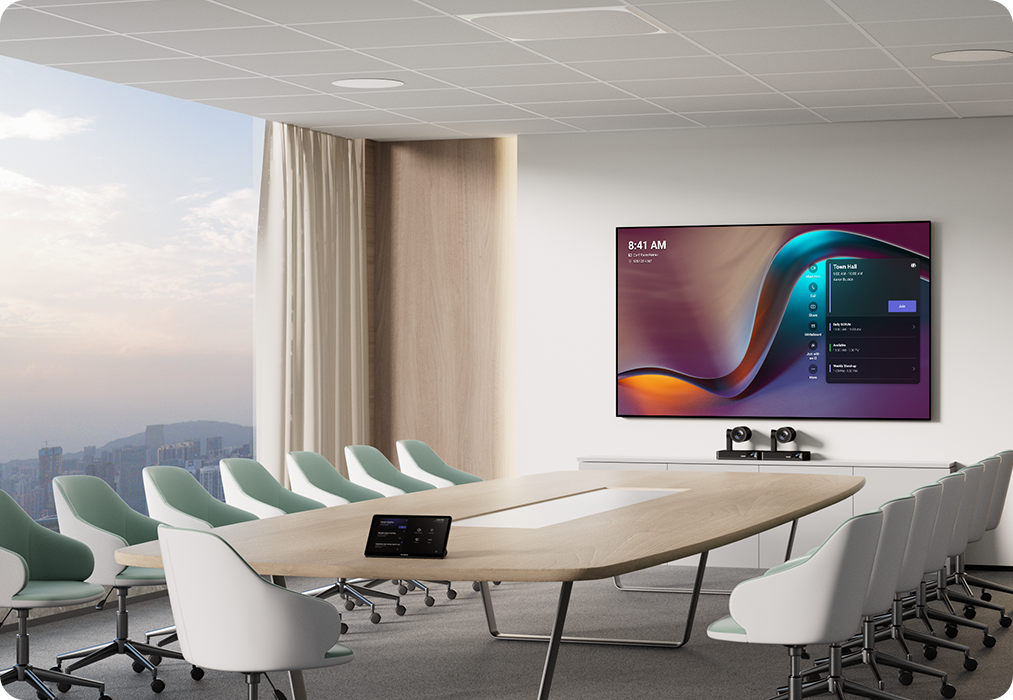
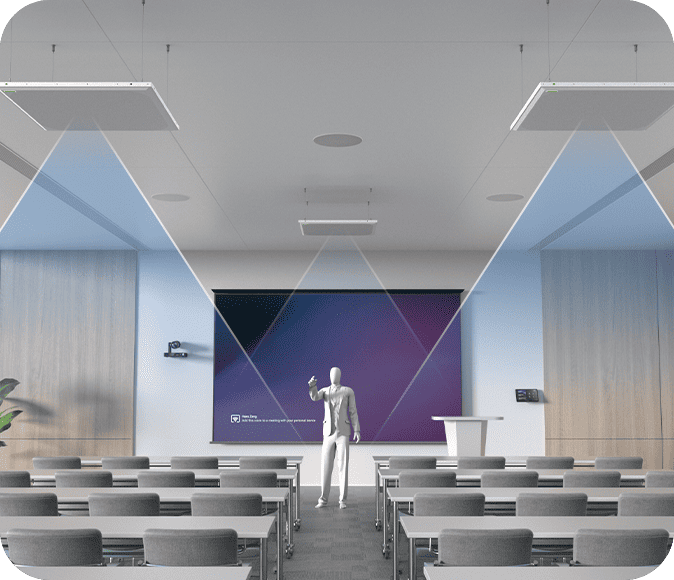
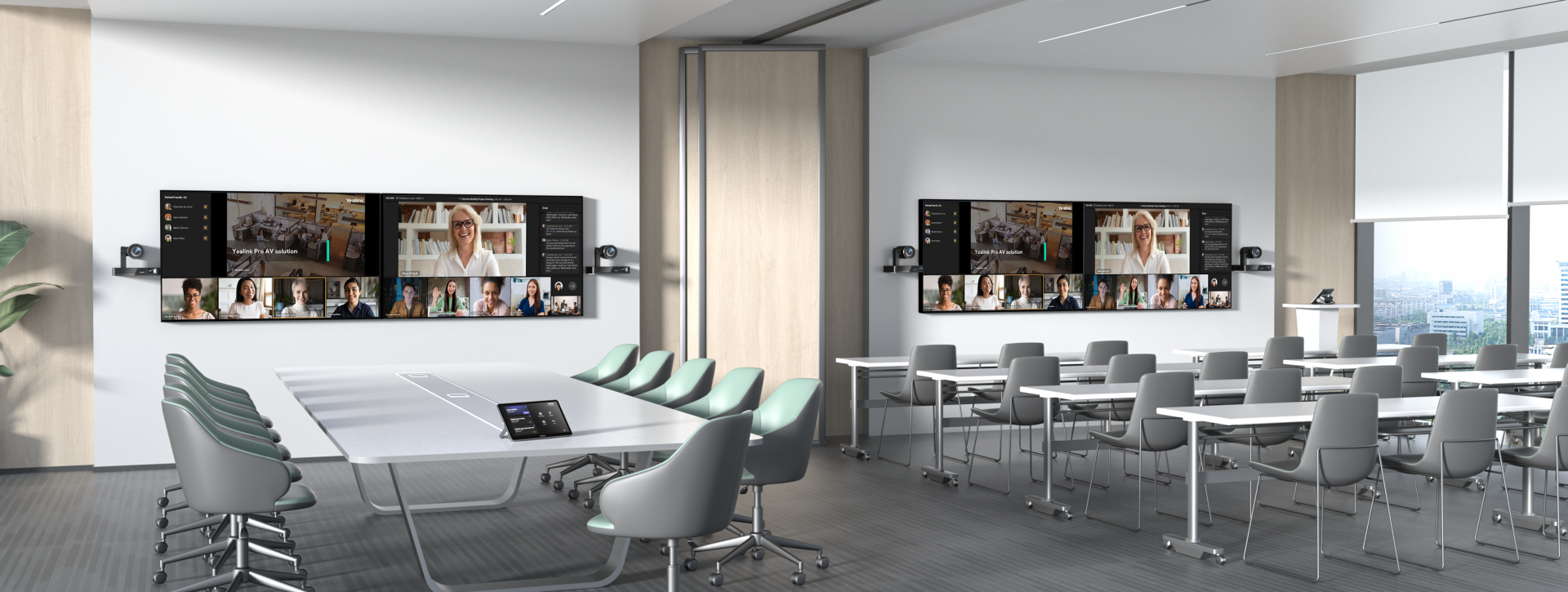
Medium to large rooms typically host 10–20 participants with complex layouts. Meetings vary from strategic briefings to cross-department discussions and remote training. High demands exist for audio/video coverage, intelligent tracking, multi-screen collaboration, and remote management.

3.2 Technical Requirements for Video Conferencing

Key requirements include high-definition audio/video quality, stable network transmission, intuitive operation, and flexible content sharing. The system must ensure that participants “see clearly, hear clearly, and operate seamlessly,” while adapting to diverse enterprise scenarios.

3.3 Common Technical Challenges

Challenges include network latency, audio-video synchronization issues, device compatibility, and cumbersome meeting setup. Addressing these requires intelligent system management and optimization capabilities.

4. Yealink MVC S50 Applications in Medium to Large Conference Rooms

4.1 Case Study 1: Multinational Manufacturing Group

After deploying MVC S50 across 30 conference rooms, the company achieved unified management. AI cameras automatically track speakers, and multi-screen outputs improve cross-department collaboration. Meeting preparation time decreased by 40%, and remote meeting stability reached 99%.

4.2 Case Study 2: Financial Institution Remote Communication Transformation

The institution previously suffered from video lag and speaker tracking issues. With MVC S50, MTouch Plus and wireless content sharing enable one-click meeting entry and high-quality content display, raising participant satisfaction from 78% to 95%.

4.3 Comparison and Lessons Learned

Both cases demonstrate that proper deployment of MVC S50 significantly enhances efficiency and experience. Key success factors include leveraging AI camera features, optimal device placement, QoS network configuration, and centralized management strategies.

5. Yealink MVC S50 vs Competitors


5.1 Technical Performance Comparison

Tests show MVC S50 leads in video clarity, audio noise suppression, and AI speaker tracking by approximately 15%. It maintains stability under weak network conditions. Competitors show limitations in cross-platform compatibility and AI intelligence.

5.2 Scenario Adaptability Comparison

The modular design and native Teams integration make MVC S50 suitable for corporate headquarters, training centers, remote healthcare, and other scenarios, outperforming some competitors in flexible deployment and AI intelligence.

6. Advantages and Limitations of Yealink MVC S50

6.1 Summary of Advantages

Technical advantages include AI intelligent cameras, high-definition audio/video, flexible content sharing, simplified deployment, and remote management. Application benefits include improved meeting efficiency, ease of operation, and high user satisfaction. Cost efficiency is enhanced through integrated hardware and software, reducing long-term maintenance costs.

6.2 Limitations

Main limitations include dependence on the Teams ecosystem and the need for third-party audio devices to be certified for full compatibility.

6.3 Suggestions and Future Trends

Future improvements could focus on cross-platform compatibility and enhanced AI features, such as real-time translation and intelligent meeting assistants, to further boost collaboration in hybrid work scenarios.

7. Conclusion and Outlook

7.1 Summary of Findings

Yealink MVC S50 demonstrates high performance, intelligence, and reliability in medium to large conference rooms. AI camera tracking, ultra-HD audio/video, seamless content sharing, and remote management significantly improve meeting efficiency and experience, highlighting its value in intelligent conferencing.

7.2 Future Research Directions

Future research may explore AI-driven semantic analysis, virtual environment enhancements, cloud-based intelligent management, and cross-platform collaboration to provide smarter, more flexible, and highly efficient conferencing solutions.


Tips:This article is for reference only. Please visit the Yealink product details page to learn more about products and application scenarios, or contact us for further assistance.

Contact Sales Button

You May Also Be Interested In

Products

Solution

Artical

Yealink Microsoft Teams Room Solution

Yealink Microsoft Teams Room Solution

Empowering Businesses with Yealink Video Device Solutions for Microsoft Teams.

Yealink Meetingbar Series

Video Conferencing Room Solutions

From huddle spaces to extra-large meeting rooms, enjoy seamless audio and video powered by AI,easy-to-manage package.

Yealink Meetingbar Series

Yealink Meetingbar Series - All-in-one Video Bar Solution

Professional Meetings Made Easy with MeetingBar Series,All Rooms Plug-and-Play.

Yealink 4th-gen MVC Series Solution

Yealink 4th-gen MVC Series Solution

Yealink Next-Gen Hybrid Meeting Style - Any Space, Any Discussion.

Yealink 4th-gen MVC Series Solution

Yealink AV ONE Solution

Building an AV system shouldn’t feel like solving a puzzle — but for many, it still does. Microphones, DSPs, cameras, control panels — often from different vendors..

Yealink Zoom Rooms Solution

Yealink Zoom Rooms Solution

Yealink Video Solutions for Zoom Rooms cover every scenario you need for video meetings, such as small, medium, and large meeting rooms.

SKYSOUND Audio Solution

SKYSOUND Audio Solution

Discover SKYSOUND audio solutions for unparalleled sound clarity in your conference room. Enhance your meetings with advanced audio technology designed for medium-sized spaces.

Medium Conference Rooms Solution

Medium Conference Rooms Solution

Discover SKYSOUND audio solutions for unparalleled sound clarity in your conference room. Enhance your meetings with advanced audio technology designed for medium-sized spaces.

Small Conference Rooms Solution

Small Conference Rooms Solution

Explore Yealink’s customized conferencing solutions for small meeting spaces. Discover the ideal setup to enhance efficiency and collaboration.

Large Conference Rooms Solution

Large Conference Rooms Solution

Explore Yealink’s customized conferencing solutions for large meeting spaces. Discover the ideal setup to enhance efficiency and collaboration.

Extra-Large Conference Rooms Solution

Extra-Large Conference Rooms Solution

Explore Yealink’s customized conferencing solutions for extra-large meeting spaces. Discover the ideal setup to enhance efficiency and collaboration.

 Professional Video Conferencing, Crystal-Clear Audio, AI-Powered Noise Cancellation, and Seamless Integration with Zoom & Microsoft Teams.

Conference Room Solution

Professional Video Conferencing, Crystal-Clear Audio, AI-Powered Noise Cancellation, and Seamless Integration with Zoom & Microsoft Teams.

 Yealink Conference Room Solution

Yealink Conference Room Solution

Yealink Conference Room Solution for Microsoft - Bringing Microsoft Teams Experience to Every Space

 How to Choose the Right Conference Room Speaker

How to Choose the Right Conference Room Speaker

Let’s explore the importance of conference room speakers, their features, and how to choose the right solution for your needs.

Ultimate Guide to Audio-Visual Room Solutions

Ultimate Guide to Audio-Visual Room Solutions

This guide explores the best AV solutions for different room sizes, helping you find the perfect setup for your workspace.

Yealink Room Bar | MeetingBar - All-in-One Video Conferencing Solution

Yealink Room Bar | MeetingBar - All-in-One Video Conferencing Solution

Whether you need a compact solution for small focus rooms or a powerful system for medium to large conference rooms, Yealink has the perfect MeetingBar for your needs.

Yealink Conference Room AV Solutions

Yealink Conference Room AV Solutions

This guide explores key components of Conference Room AV Solutions and how Yealink’s industry-leading products can meet diverse meeting needs.

Office Meeting Room Solutions - Designing Smarter Spaces for Better Collaboration

Office Meeting Room Solutions - Designing Smarter Spaces for Better Collaboration

Whether you’re hosting a high-stakes client presentation or a quick internal brainstorm, the right meeting room can elevate productivity, build stronger connections, and ensure every voice is heard.

The Ideal Luxury Conference Room in 2025

The Ideal Luxury Conference Room in 2025

Whether you’re hosting a C-suite board meeting, engaging with global stakeholders, or presenting high-stakes strategies, a luxury conference room leaves a lasting impression.

The Ideal Luxury Conference Room in 2025

The Ideal Luxury Conference Room in 2025

Whether you’re hosting a C-suite board meeting, engaging with global stakeholders, or presenting high-stakes strategies, a luxury conference room leaves a lasting impression.

How to Choose a Good Video Conferencing Equipment

Best 360° Cameras for Video Conferencing & Content Creation in 2025

These devices offer an all-around view of the room, ideal for inclusive discussions, interactive training, and seamless remote communication—especially in roundtable, U-shape, or multi-participant setups.

How to choose a good digital whiteboard

How to choose a good digital whiteboard

When choosing a good digital whiteboard, evaluate factors such as screen size, touch technology, software integration, connectivity options, and overall durability.

How to Choose a Good Video Conferencing Equipment

How to Choose a Good Video Conferencing Equipment

An ultimate guide for the enterprise to choose the right conference camera and elevate the meeting experience in the hybrid working era.

How to choose the best video conference camera?

How to choose the best video conference camera?

Selecting the best video conference camera involves evaluating several key aspects to ensure high-quality, seamless meetings. Here are ten essential factors to consider.

What Is Conference Meeting Room?

What Is Conference Meeting Room?

A conference meeting room is a designated space in offices, institutions, or commercial environments designed to facilitate collaboration, discussions, and decision-making processes.

What is Conference Speakerphone?

What is Conference Speakerphone?

A conference speakerphone is a specialized communication device designed for use in conference rooms or meeting spaces, allowing multiple participants to join a call or video conference without being limited by proximity to a traditional phone or microphone.

What is Small Meeting Room?

What is Small Meeting Room?

Small meeting room is a compact, enclosed space designed to accommodate a limited number of participants, typically between 2 to 6 people. These rooms are often referred to as huddle rooms or focus rooms, providing a private and quiet setting for quick team discussions, brainstorming sessions, or virtual meetings.

what is Teams Copilot?

what is Teams Copilot?

Teams Copilot is a feature designed to enhance collaboration and productivity within Microsoft Teams. Here’s a summary of what Team Copilot typically involves:

Yealink Video Devices Solution for Microsoft Teams
Covering from Huddle to Extra-large Meeting Spaces

All-In-One Video Conferencing Device

Easy to install and quickly deploy, it ensures seamless connectivity and integration, delivering exceptional value for efficient remote meetings.

How Can We Help You?

Not sure how it fits into your environment? Our AV specialists are here to help.

👉 Get deployment advice for your conference room and system.
👉 Need a quote? Request a custom pricing.

Please fill in and submit the information below and our representative will contact you soon.

Responsive Navbar
Your Privacy
Strictly Necessary Cookies
Preferences Cookies
Statistics Cookies
Targeted Cookies
PRIVACY PREFERENCE CENTER
When you visit any website, the website stores or retrieves information from your browser, mostly in the form of Cookies. This information may relate to your personal information, preferences or device information and is used primarily to enable the website to provide the services you expect. This information does not usually directly identify you personally, but can provide you with a more personalized web experience. We fully respect your privacy, so you can choose not to allow certain types of Cookies, simply by clicking on the name of a different Cookie category to learn more and change the default settings. However, blocking certain types of Cookies may affect your experience with the site and the services we can provide to you.
Learn more ->
Strictly Necessary Cookies
Always On
These Cookies are essential for users to navigate the site and use its features, which are necessary for the proper functioning of the site, and cannot be turned off on our system. They are set only for actions you do that are equivalent to service requests, such as setting up your login or populating a form.You can set your browser to block or alert you to such Cookies, but some features of the site will not work. These Cookies do not store any personally identifiable information.
Learn more ->

Preferences Cookies
These cookies are mainly used to record users' preferences while browsing the website and using its features. These cookies allow the website to remember your interactions with the website, choices you have made in the past and information you have entered, such as your preferred language or what your username and password are, so you can be logged in automatically. If you do not allow the use of such Cookies, you will not be able to enjoy a more convenient experience with the site.
Learn more ->
Statistics Cookies
These Cookies allow us to count the number of visits to our website and the sources of traffic in order to evaluate and improve the performance of our website. These Cookies also help us to understand the popularity of our pages and the activity of our visitors on the site. All information collected by such Cookies is aggregated to ensure that it remains anonymous. If you do not allow the use of such Cookies, we will have no way of knowing when you visit our site and will not be able to monitor site performance.
Learn more ->
Targeted Cookies
These Cookies may be set by our advertising partners through our website and may also be used by those companies to create profiles of your interests and to display relevant advertisements to you on other websites. These Cookies do not store personal information directly, but use some information that uniquely identifies your browser and Internet device. If you do not allow the use of such Cookies, the advertisements you see will be less targeted.
Learn more ->
PRIVACY PREFERENCE CENTER
Your Privacy
Your Privacy
When you visit any website, the website stores or retrieves information from your browser, mostly in the form of Cookies. This information may relate to your personal information, preferences or device information and is used primarily to enable the website to provide the services you expect. This information does not usually directly identify you personally, but can provide you with a more personalized web experience. We fully respect your privacy, so you can choose not to allow certain types of Cookies, simply by clicking on the name of a different Cookie category to learn more and change the default settings. However, blocking certain types of Cookies may affect your experience with the site and the services we can provide to you.
Learn more ->
Strictly Necessary Cookies
Always On
These Cookies are essential for users to navigate the site and use its features, which are necessary for the proper functioning of the site, and cannot be turned off on our system. They are set only for actions you do that are equivalent to service requests, such as setting up your login or populating a form.You can set your browser to block or alert you to such Cookies, but some features of the site will not work. These Cookies do not store any personally identifiable information.
Learn more ->
Preferences Cookies
Preferences Cookies
These Cookies are primarily used to record the preferences of users as they navigate the site and use its features. These Cookies allow the website to remember the choices you have made in the past, such as which language you prefer or what your username and password are, so that you can automatically log in. If you do not allow the use of such Cookies, you will not be able to enjoy a more convenient experience with the site.
Learn more ->
Statistics Cookies
Statistics Cookies
These Cookies allow us to count the number of visits to our website and the sources of traffic in order to evaluate and improve the performance of our website. These Cookies also help us to understand the popularity of our pages and the activity of our visitors on the site. All information collected by such Cookies is aggregated to ensure that it remains anonymous. If you do not allow the use of such Cookies, we will have no way of knowing when you visit our site and will not be able to monitor site performance.
Learn more ->

Targeted Cookies
Targeted Cookies
These Cookies may be set by our advertising partners through our website and may also be used by those companies to create profiles of your interests and to display relevant advertisements to you on other websites. These Cookies do not store personal information directly, but use some information that uniquely identifies your browser and Internet device. If you do not allow the use of such Cookies, the advertisements you see will be less targeted.
Learn more ->
Except for necessary cookies, we may also use functional cookies (including third party cookies) to deliver experience for you. You can turn them off by clicking “configure". More information in cookies policy.
Configure I Accept