The best Web Conference Platform


The Best Web Conference Platform: What to Look For and Recommendations
Web conferencing platforms have revolutionized the way we communicate, collaborate, and conduct business. Whether for remote work, virtual events, or team collaboration, choosing the best platform is essential for seamless interaction.
Here are the key factors to consider when selecting a platform:
Ease of Use
A user-friendly interface ensures that all participants, regardless of technical proficiency, can join and interact with ease.
High-Quality Audio and Video
Reliable, clear, and uninterrupted audio and video are crucial for professional communication.
Collaboration Features
Tools like screen sharing, real-time document editing, and whiteboarding improve teamwork during meetings.
Integration with Hardware
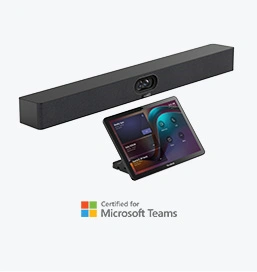
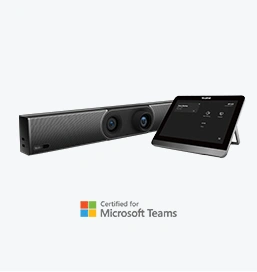
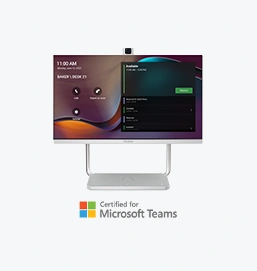
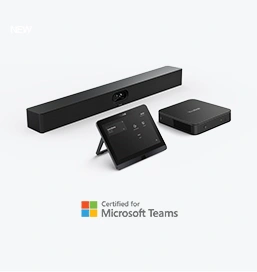
Compatibility with high-quality hardware like Yealink MeetingBoard 65 or MeetingBar A40 enhances the conferencing experience.
Security and Privacy
Features like end-to-end encryption, password-protected meetings, and compliance with industry standards ensure data security.
Scalability and Customization
The platform should accommodate varying group sizes, from small team meetings to large-scale webinars, and offer customizable features for specific needs.
Here are some leading platforms and what makes them stand out:
Microsoft Teams
Strengths: Deep integration with Microsoft Office 365, excellent collaboration tools, and seamless compatibility with Yealink devices like the MeetingBar A20.
Ideal For: Businesses that rely on Microsoft’s ecosystem for productivity.
Zoom
Strengths: Simple interface, high-quality video, and robust scalability for webinars and large meetings.
Ideal For: Teams requiring straightforward, reliable video conferencing.
Google Meet
Strengths: Easy integration with Google Workspace, minimal setup, and user-friendly features.
Ideal For: Small to medium-sized businesses and educational institutions.
BlueJeans
Strengths: High-quality audio and video, strong security features, and robust analytics.
Ideal For: Enterprise users seeking advanced management tools.
Cisco Webex
Strengths: Comprehensive features for collaboration, including AI-powered meeting insights and integrations with Yealink hardware like the UVC86 Camera.
Ideal For: Enterprise-grade solutions with advanced analytics and scalability.
The best platform combined with high-quality hardware ensures exceptional performance. For instance:
Small Rooms: Use MeetingBar A10 for streamlined all-in-one solutions.
Medium Rooms: Pair platforms with MeetingBar A40 for 4K video and smart AI features.
Large Rooms: Leverage the Yealink S90, an advanced video conferencing system designed for professional AV setups. Its powerful hardware and intelligent capabilities ensure a superior experience for large groups.
The best web conference platform depends on your specific needs, such as integration, scalability, and collaboration tools. Combining the right platform with professional-grade hardware like Yealink devices ensures seamless communication, improved productivity, and a polished virtual meeting experience.
Explore Yealink's video conferencing solutions to find the perfect hardware for your preferred platform and elevate your web conferencing experience.
Tips:This article is for reference only. Please visit the Yealink product details page to learn more about products and application scenarios, or contact us for further assistance.
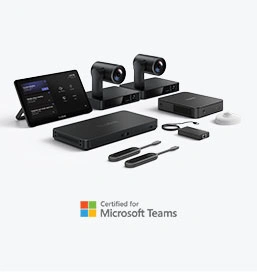
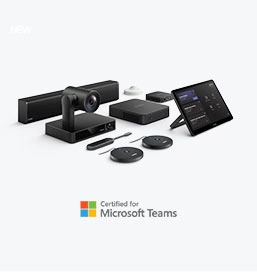
Discover Yealink Teams Rooms Devices for seamless Microsoft Teams collaboration with premium audio and video solutions.
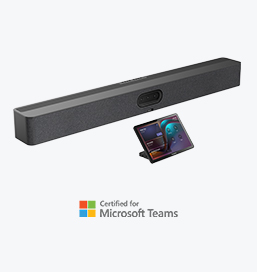
Big Impact for Bigger Spaces - All-in-one video bar for medium to large rooms

Discover the all-in-one video conferencing device with an interactive whiteboard, designed for seamless collaboration in Microsoft Teams Rooms.
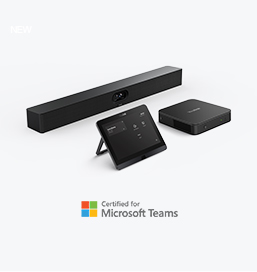
Discover high-performance, cost-effective video conferencing systems tailored for small to medium-sized rooms, ensuring seamless communication and collaboration.
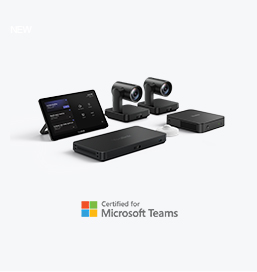
Video Conferencing System For Pro-AV Rooms.
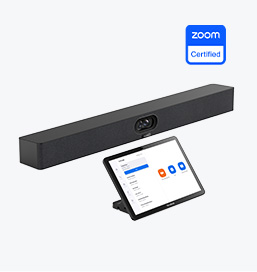
Explore Yealink’s Zoom Rooms devices for seamless, high-quality video conferencing solutions.
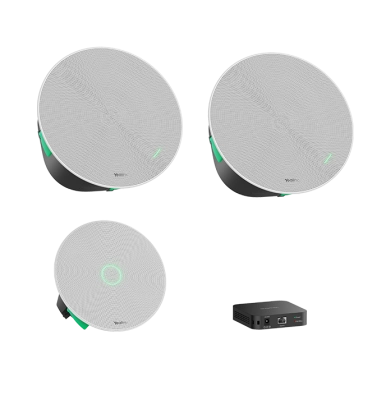
Yealink's room audio devices, offering crystal-clear sound for an immersive video conferencing experience.
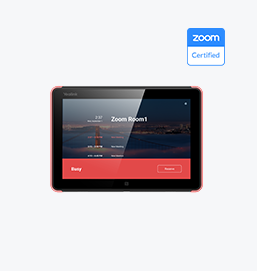
Intelligent Solutions for Smarter, More Efficient Meeting Spaces.
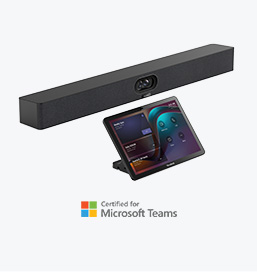
Experience the all-in-one video bar designed for premium small to medium rooms, optimized for Microsoft Teams Rooms on Android.
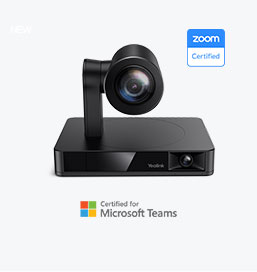
Simple and flexible video conferencing camera solutions for any workspace or meeting setup.

Empowering Businesses with Yealink Video Device Solutions for Microsoft Teams.

From huddle spaces to extra-large meeting rooms, enjoy seamless audio and video powered by AI,easy-to-manage package.

Professional Meetings Made Easy with MeetingBar Series,All Rooms Plug-and-Play.
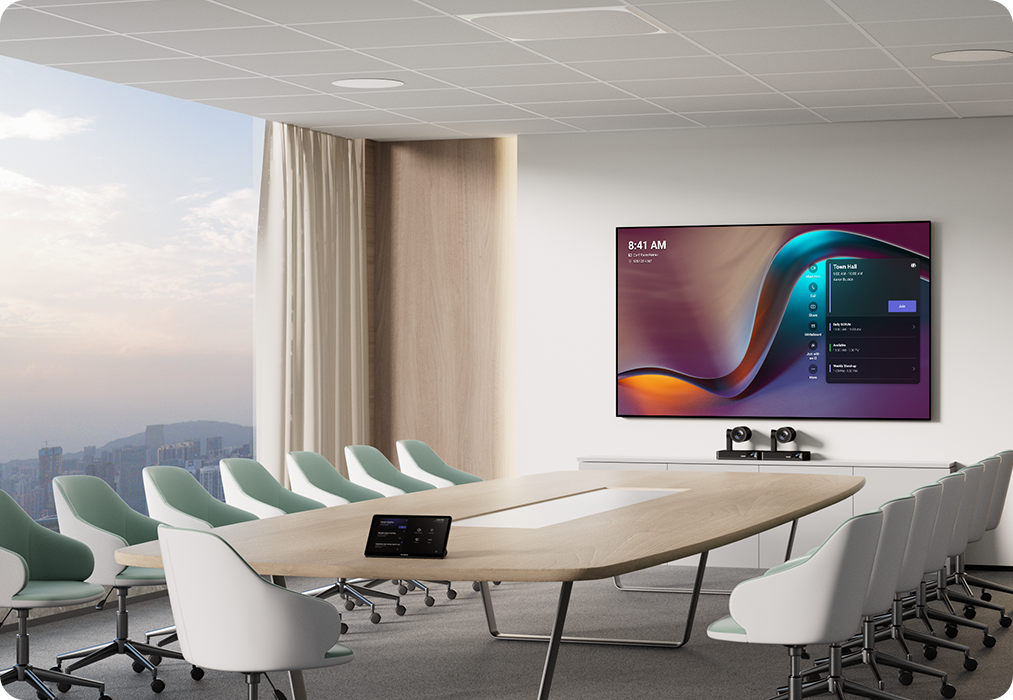
Yealink Next-Gen Hybrid Meeting Style - Any Space, Any Discussion.
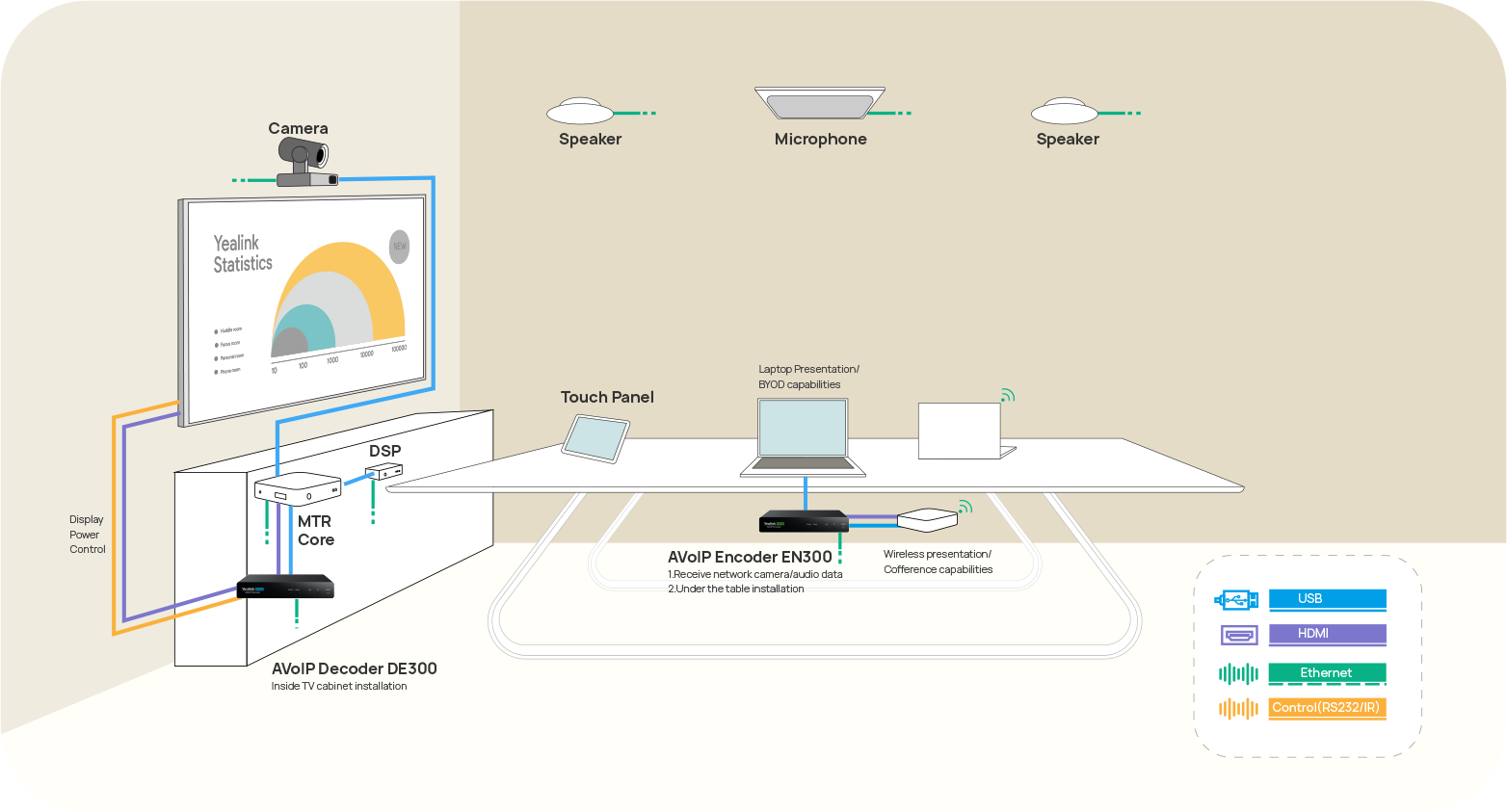
Building an AV system shouldn’t feel like solving a puzzle — but for many, it still does. Microphones, DSPs, cameras, control panels — often from different vendors..

Yealink Video Solutions for Zoom Rooms cover every scenario you need for video meetings, such as small, medium, and large meeting rooms.
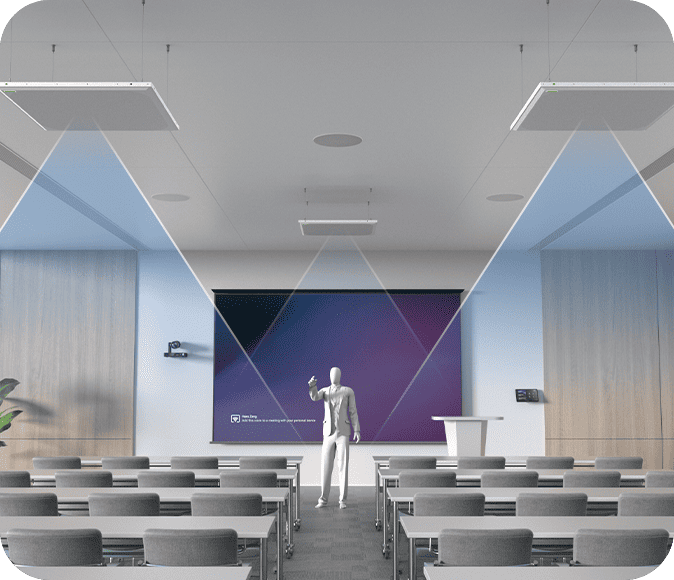
Discover SKYSOUND audio solutions for unparalleled sound clarity in your conference room. Enhance your meetings with advanced audio technology designed for medium-sized spaces.
Discover SKYSOUND audio solutions for unparalleled sound clarity in your conference room. Enhance your meetings with advanced audio technology designed for medium-sized spaces.
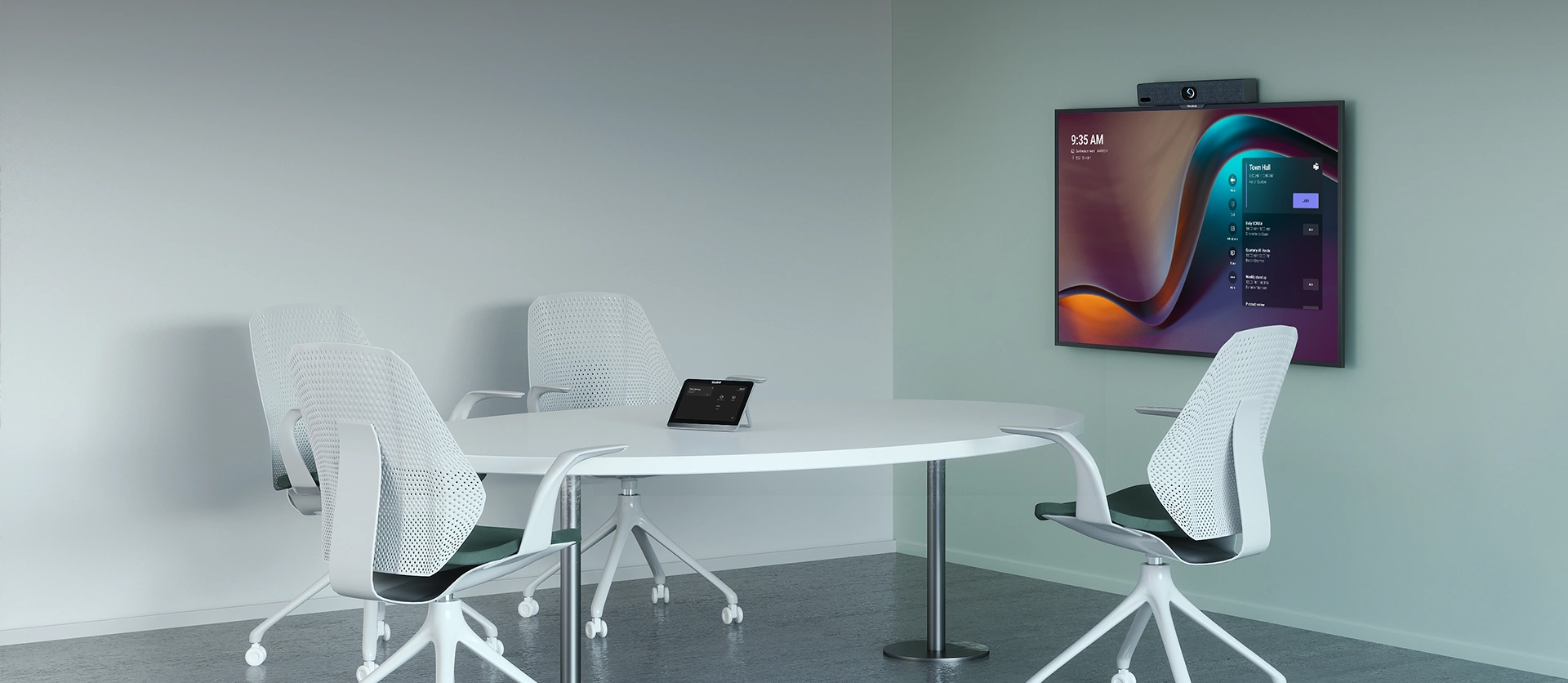
Explore Yealink’s customized conferencing solutions for small meeting spaces. Discover the ideal setup to enhance efficiency and collaboration.
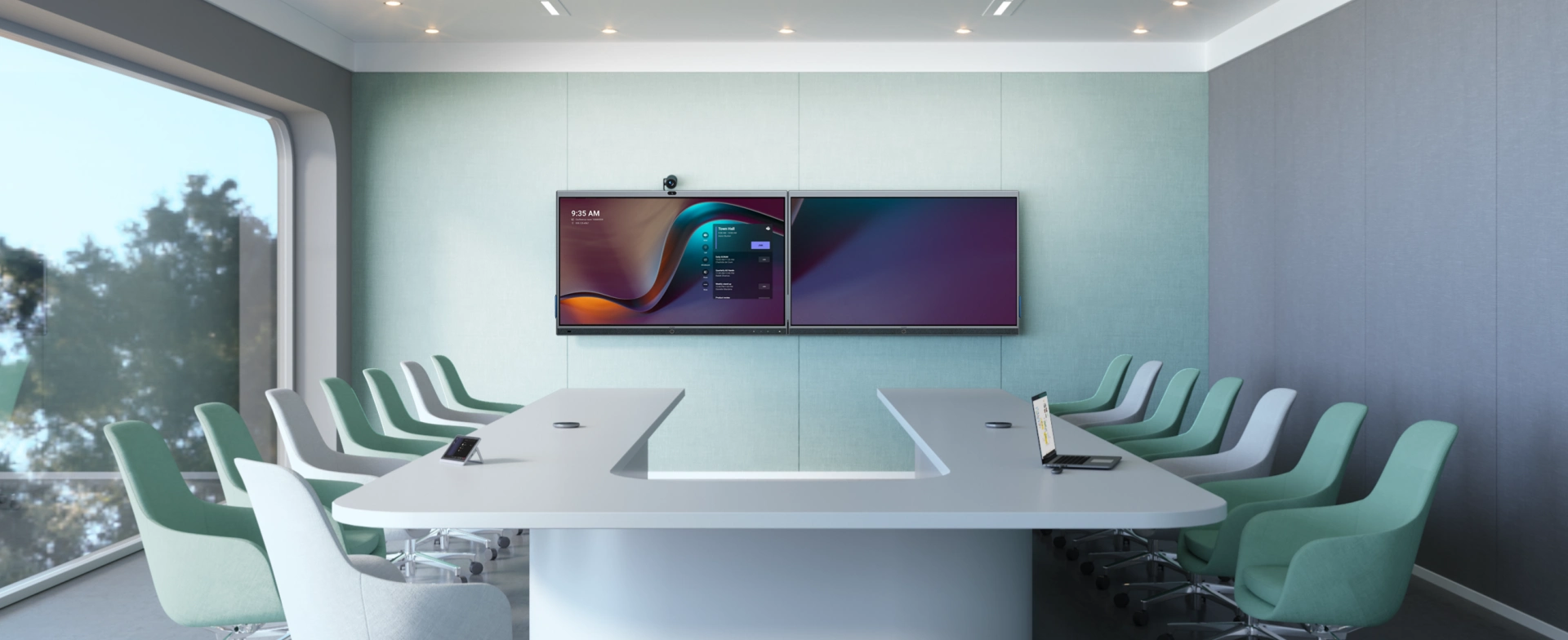
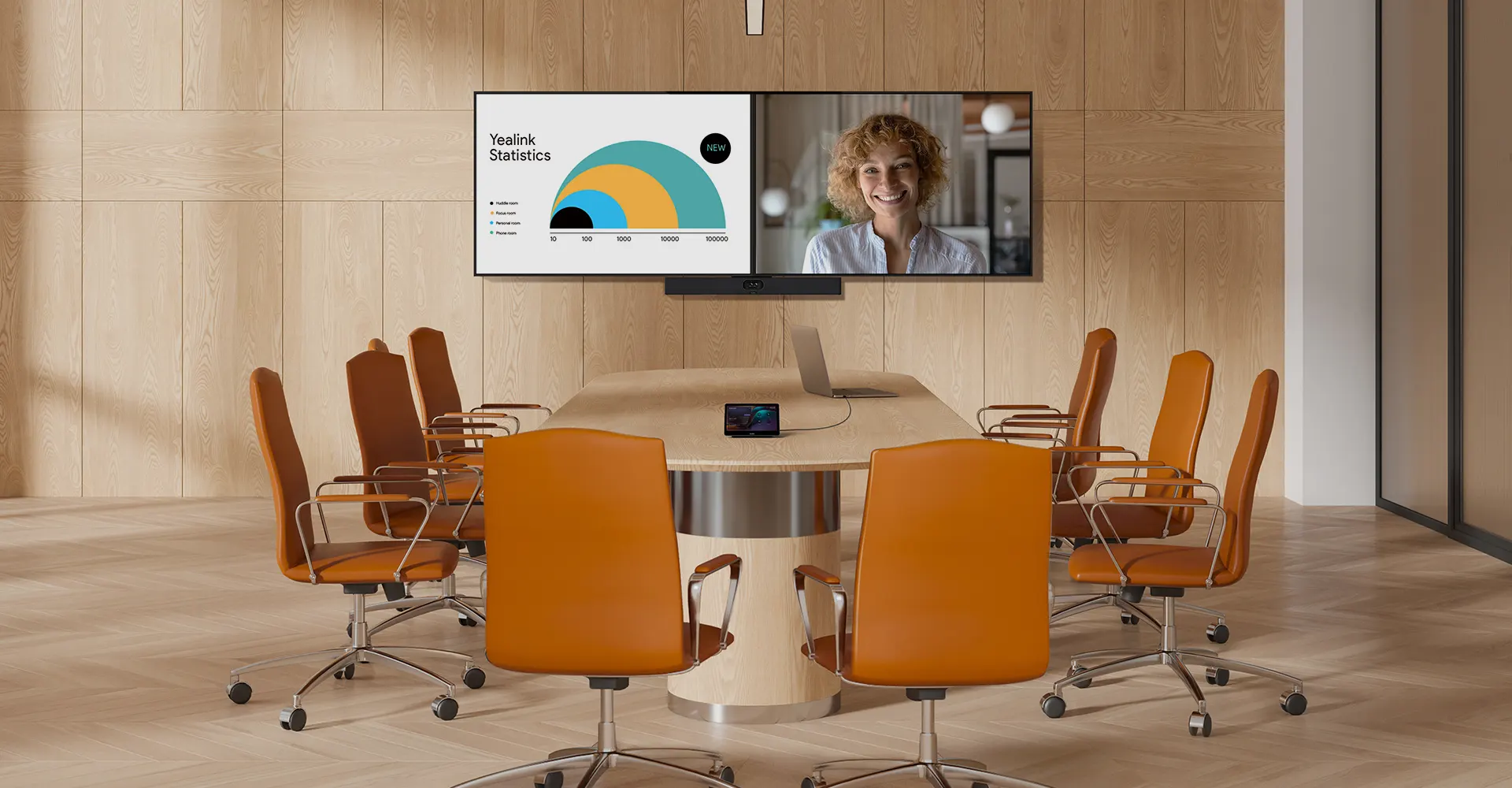
Explore Yealink’s customized conferencing solutions for large meeting spaces. Discover the ideal setup to enhance efficiency and collaboration.
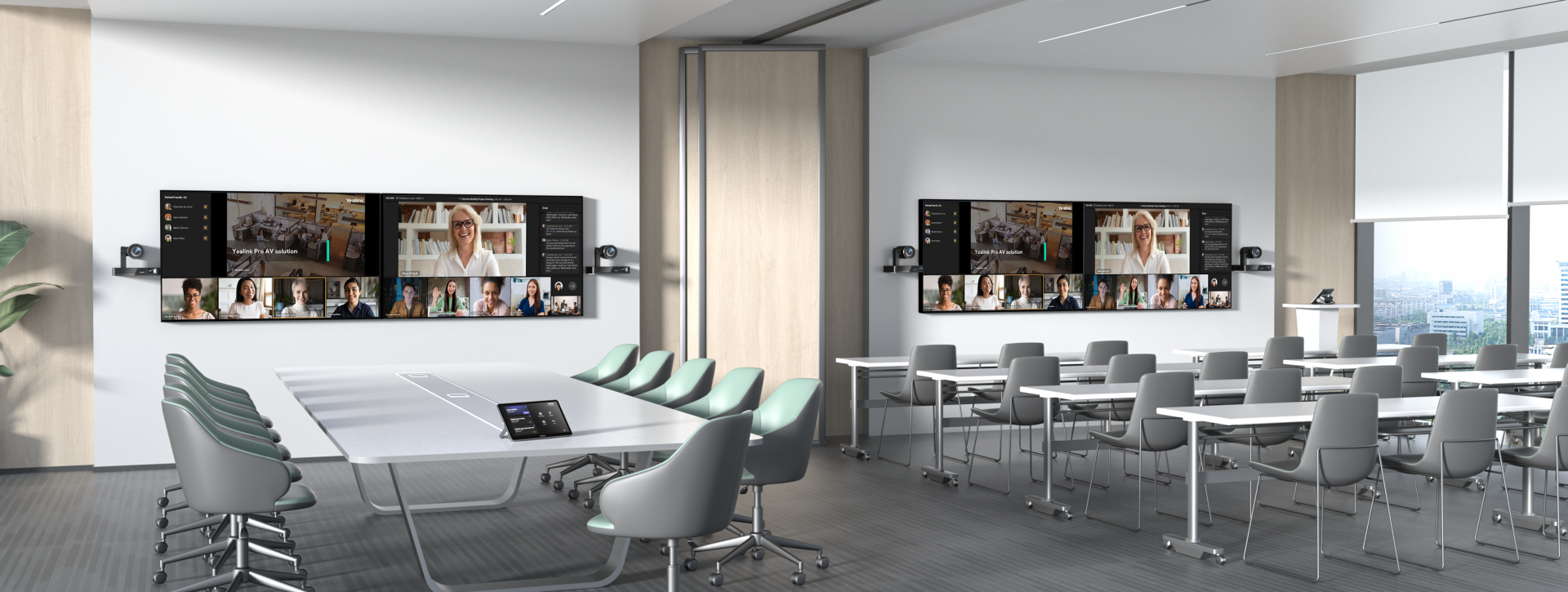
Explore Yealink’s customized conferencing solutions for extra-large meeting spaces. Discover the ideal setup to enhance efficiency and collaboration.

Professional Video Conferencing, Crystal-Clear Audio, AI-Powered Noise Cancellation, and Seamless Integration with Zoom & Microsoft Teams.
Yealink Conference Room Solution for Microsoft - Bringing Microsoft Teams Experience to Every Space
Let’s explore the importance of conference room speakers, their features, and how to choose the right solution for your needs.
This guide explores the best AV solutions for different room sizes, helping you find the perfect setup for your workspace.
Whether you need a compact solution for small focus rooms or a powerful system for medium to large conference rooms, Yealink has the perfect MeetingBar for your needs.
This guide explores key components of Conference Room AV Solutions and how Yealink’s industry-leading products can meet diverse meeting needs.
Whether you’re hosting a high-stakes client presentation or a quick internal brainstorm, the right meeting room can elevate productivity, build stronger connections, and ensure every voice is heard.
Whether you’re hosting a C-suite board meeting, engaging with global stakeholders, or presenting high-stakes strategies, a luxury conference room leaves a lasting impression.
Whether you’re hosting a C-suite board meeting, engaging with global stakeholders, or presenting high-stakes strategies, a luxury conference room leaves a lasting impression.
These devices offer an all-around view of the room, ideal for inclusive discussions, interactive training, and seamless remote communication—especially in roundtable, U-shape, or multi-participant setups.
When choosing a good digital whiteboard, evaluate factors such as screen size, touch technology, software integration, connectivity options, and overall durability.
An ultimate guide for the enterprise to choose the right conference camera and elevate the meeting experience in the hybrid working era.
Selecting the best video conference camera involves evaluating several key aspects to ensure high-quality, seamless meetings. Here are ten essential factors to consider.
A conference meeting room is a designated space in offices, institutions, or commercial environments designed to facilitate collaboration, discussions, and decision-making processes.
A conference speakerphone is a specialized communication device designed for use in conference rooms or meeting spaces, allowing multiple participants to join a call or video conference without being limited by proximity to a traditional phone or microphone.
Small meeting room is a compact, enclosed space designed to accommodate a limited number of participants, typically between 2 to 6 people. These rooms are often referred to as huddle rooms or focus rooms, providing a private and quiet setting for quick team discussions, brainstorming sessions, or virtual meetings.
Teams Copilot is a feature designed to enhance collaboration and productivity within Microsoft Teams. Here’s a summary of what Team Copilot typically involves:
All-In-One Video Conferencing Device
Easy to install and quickly deploy, it ensures seamless connectivity and integration, delivering exceptional value for efficient remote meetings.
Video Conferencing Bundled device Covering from Huddle to Medium Conference Room
Video Conferencing Bundled device Covering from Medium to Extra-Large Conference Room
How Can We Help You?
Not sure how it fits into your environment? Our AV specialists are here to help.
👉 Get deployment advice for your conference room and system.
👉 Need a quote? Request a custom pricing.
Please fill in and submit the information below and our representative will contact you soon.